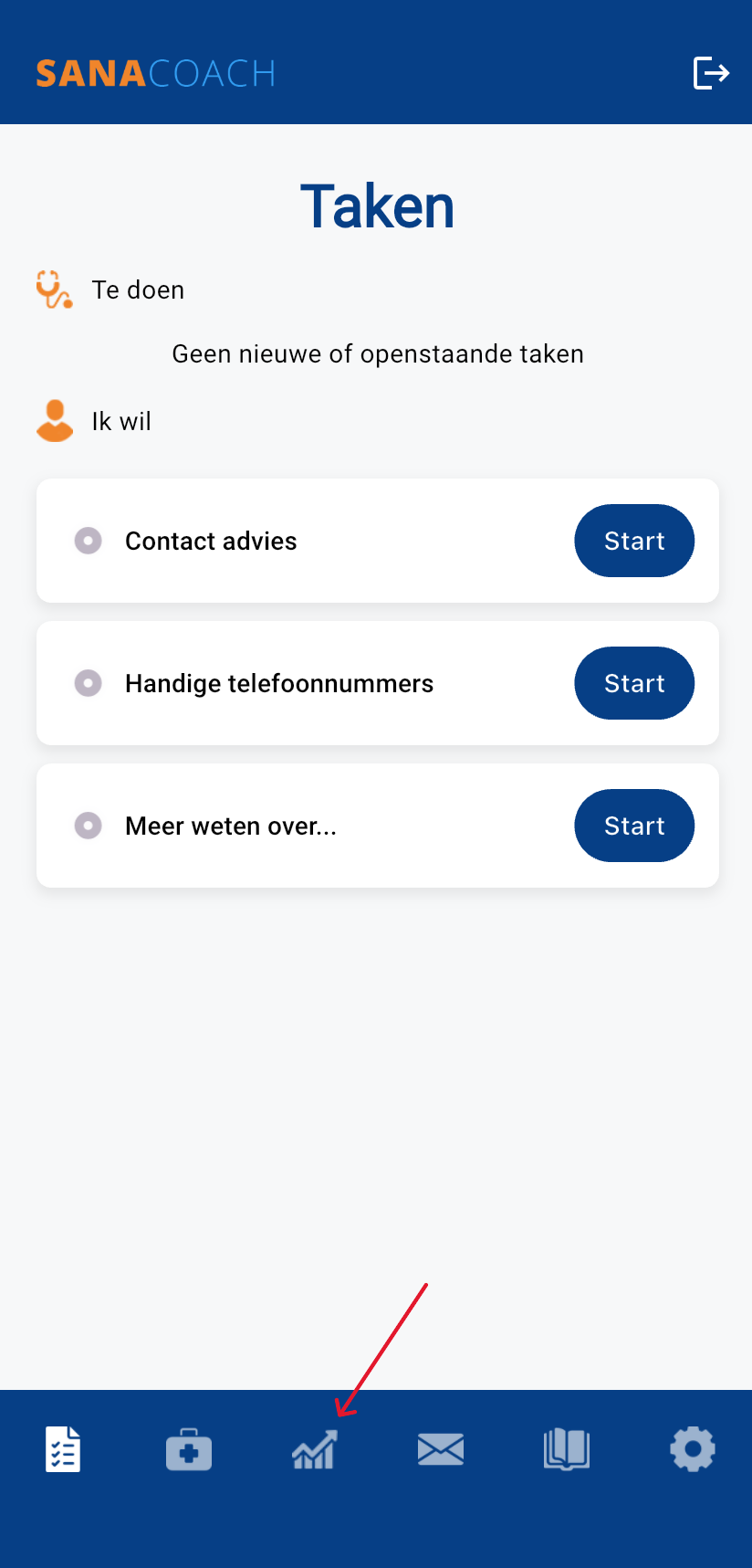
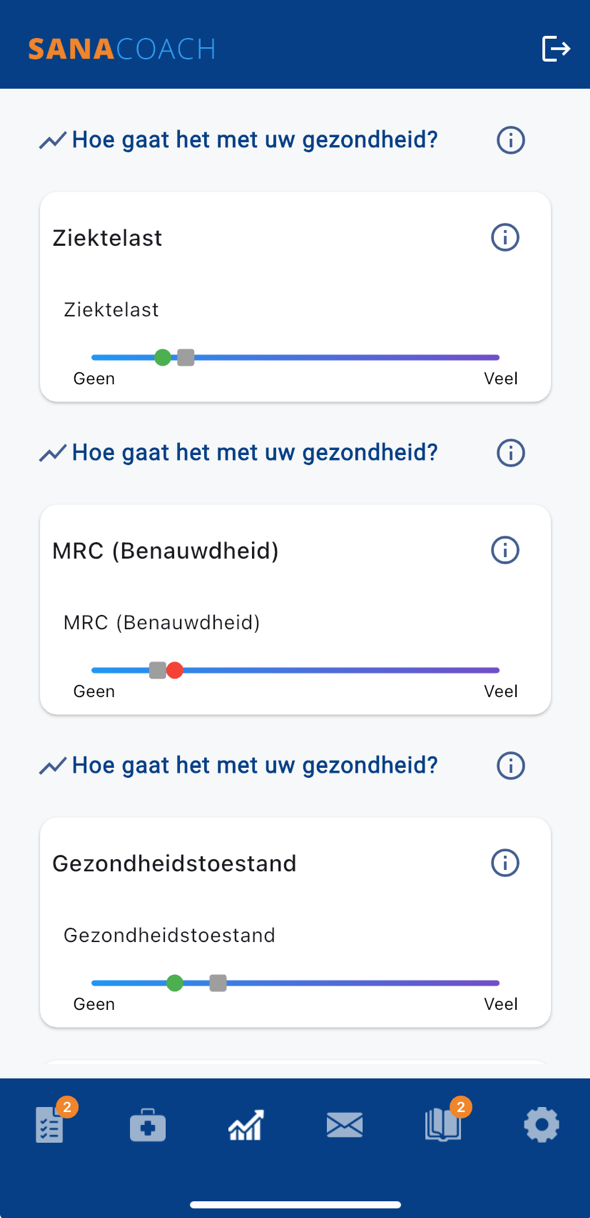
Home / Subjects / SanaCoach / How do I view my health data on SanaCoach? How do I view my health data on SanaCoach? Voorlezen Translate Printen Delen WhatsApp E-mail Steps in brief Log in to SanaCoach. Go to '‘Dashboard‘'. View an overview of your details. 1. login Click here for an explanation on logging in via the internet. Click here for an explanation on logging in via the app. 2. Go to your dashboard Click on the icon of ‘Dashboard‘'. Vergroot 3. View the overview of your details You are now viewing your dashboard. You can view an overview of your details here. Vergroot Frequently asked questions about SanaCoach How do I log in to SanaCoach online? How do I log in to SanaCoach via the app? How do I view my care plan on SanaCoach? How do I view my messages on SanaCoach? How do I view my knowledge courses on SanaCoach? How do I book a session at SanaCoach?