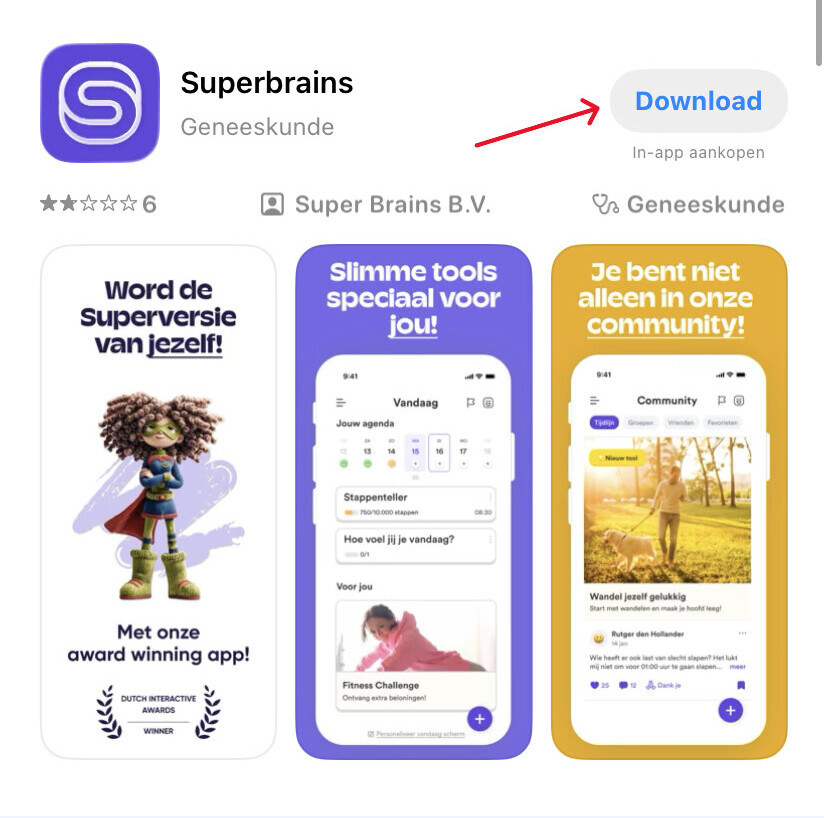
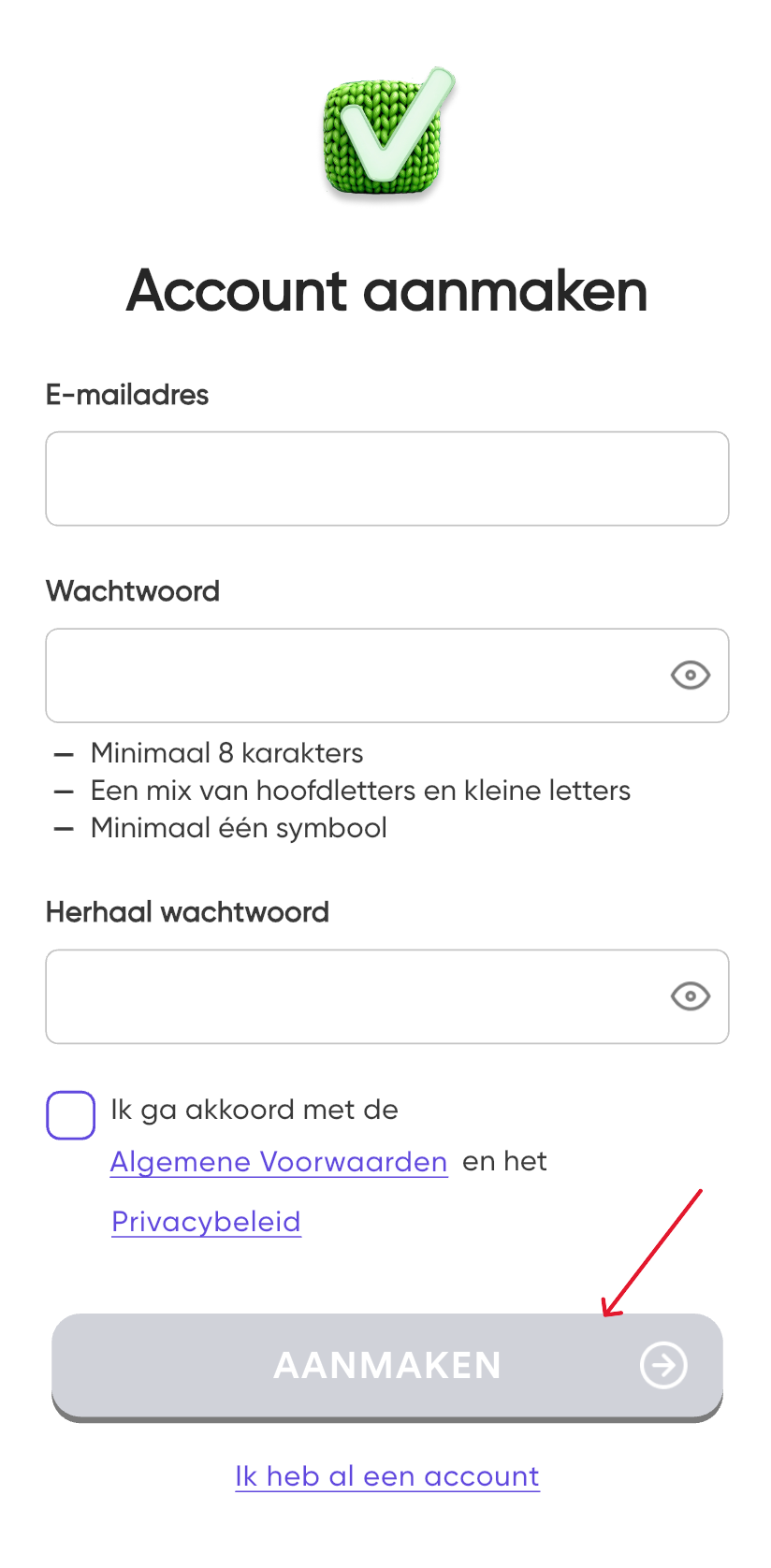
Home / Subjects / Superbrains / How do I create an account at Superbrains? How do I create an account at Superbrains? Voorlezen Translate Printen Delen WhatsApp E-mail Steps in brief Install the app from Superbrains. Create an account. Watch Superbrains. 1. Install the app Go to your App Store or Google Play. Search for '‘Superbrains’. Click on '‘Download‘'. Vergroot 2. Create your account Enter your email address and create a password. Agree to the terms and conditions. Click on '‘Create‘'. Vergroot 3. You're logged in You can now watch Superbrains. Frequently asked questions about Superbrains