You can try the following:
- Check the spelling
- Try another search

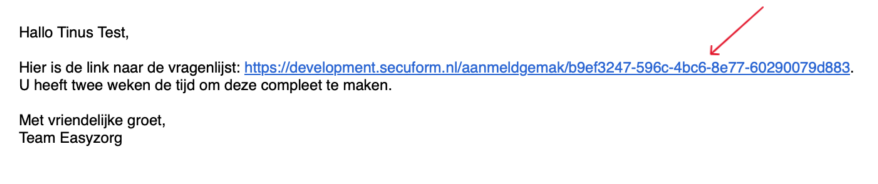
You will receive an email or SMS from your healthcare organization. The message contains a personal link to your registration page. Click on this link.
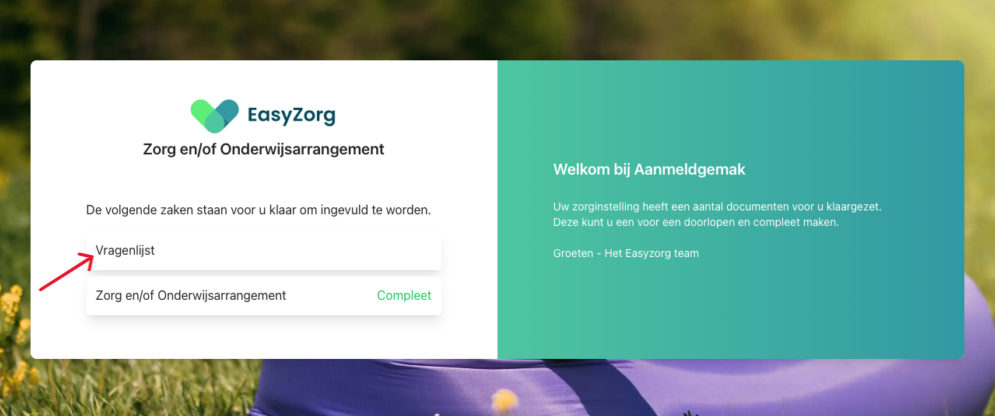
You will arrive at your registration page. Here you can see which sections you still need to complete.
Click on the questionnaire to begin.
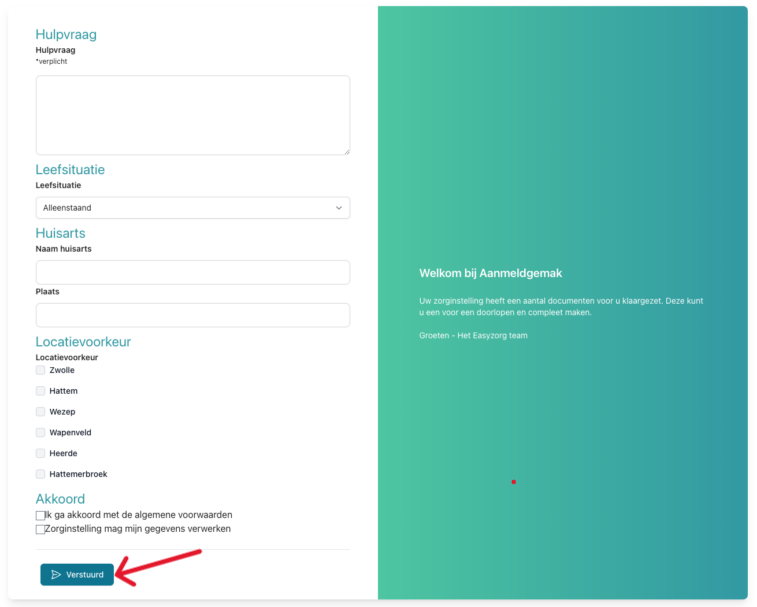
Answer the questions one by one.
Have you answered all the questions? Then click on '‘Sent‘'.