You can try the following:
- Check the spelling
- Try another search

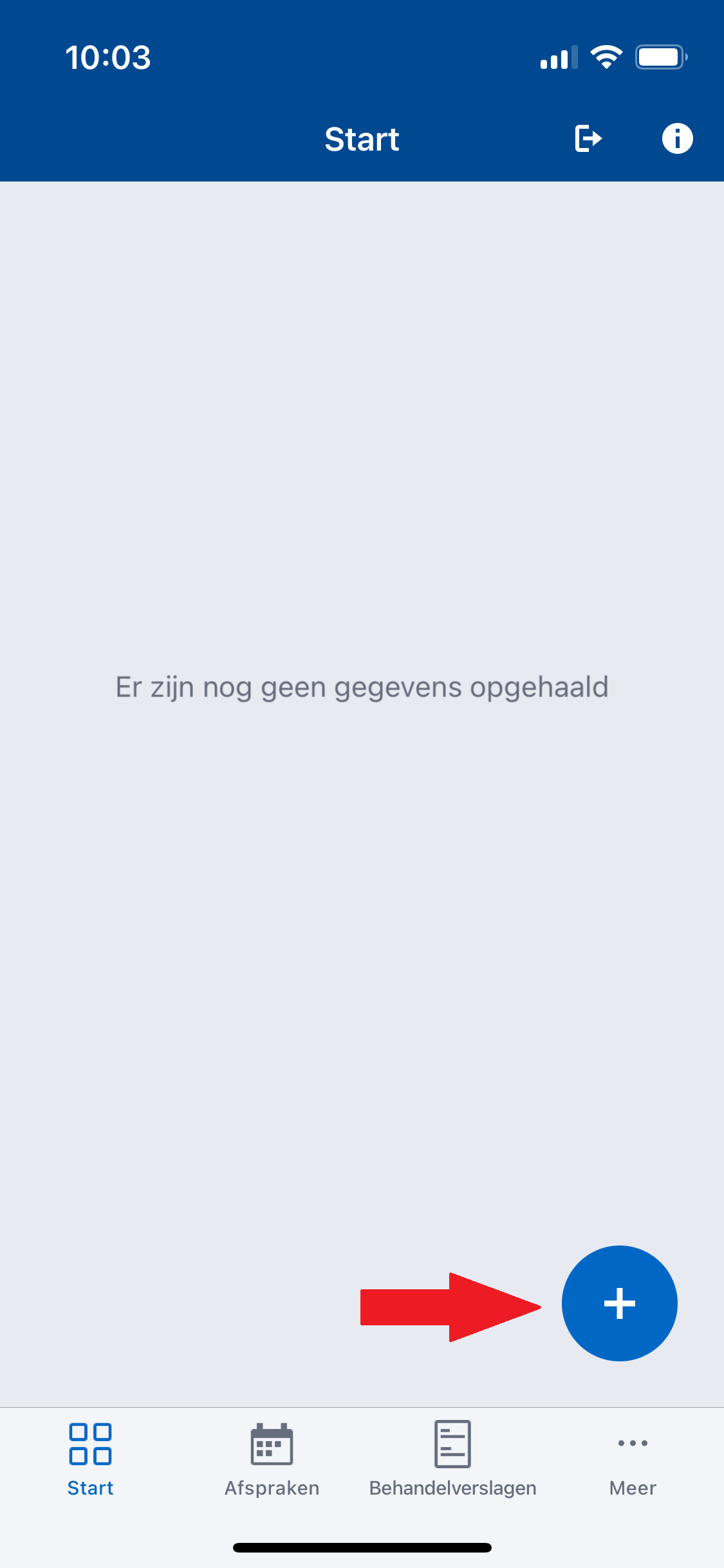
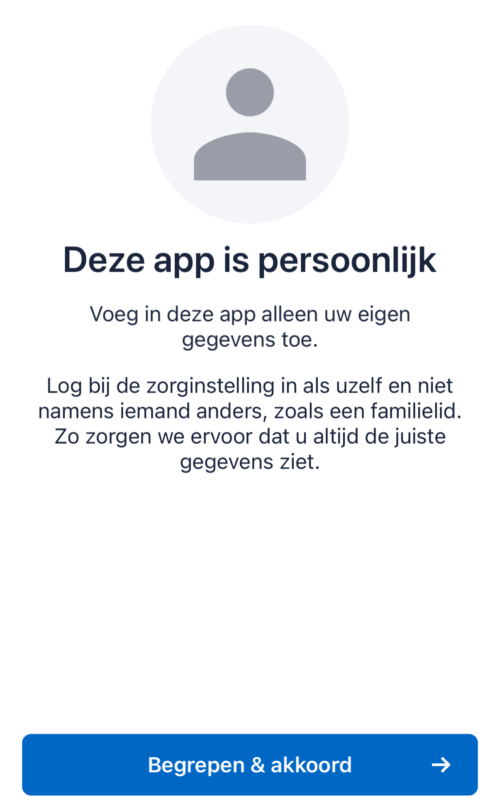
When you open the app for the first time, you will be asked to set a (self-chosen) PIN code so that you can log in with this PIN code next time.
Choose a PIN code that you can easily remember; you will need it every time you use the HiX Mobile Patient app.
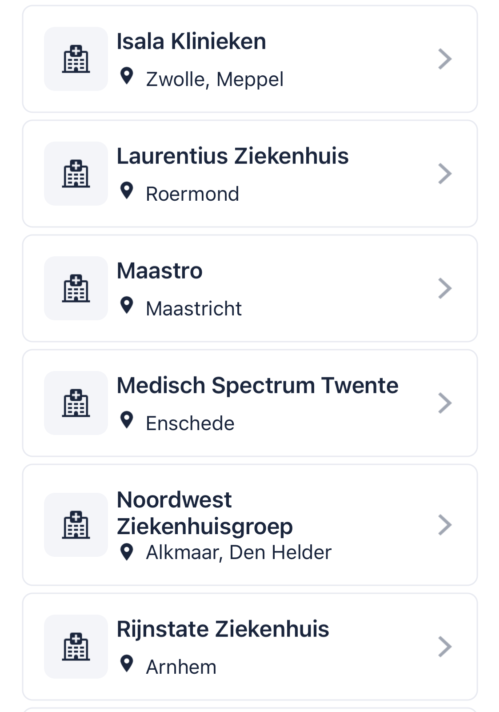
(NB: The list of healthcare institutions you see in the screenshot below is only a selection of the healthcare institutions you can add)
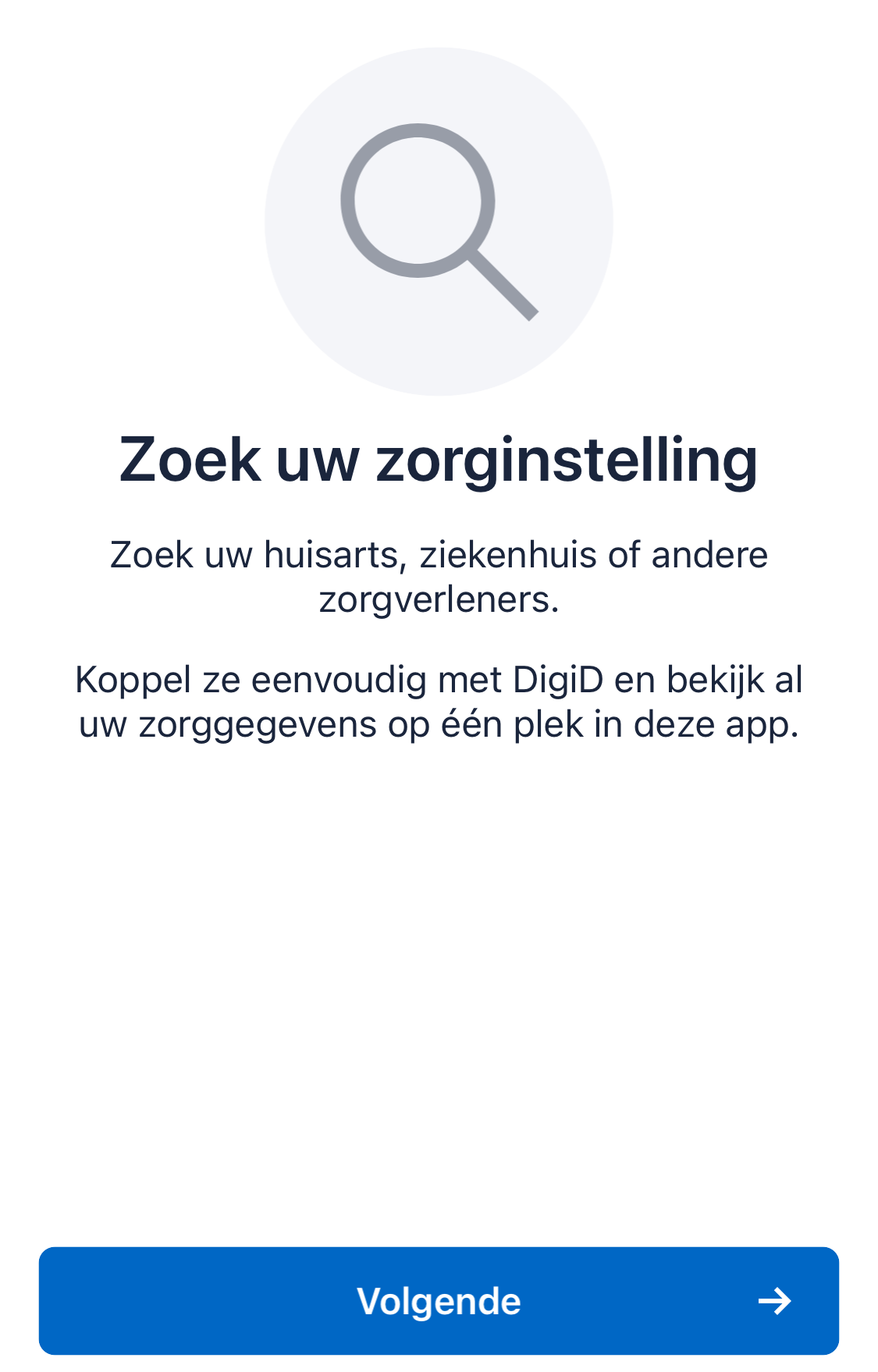
You are now being directed to the patient portal website, where you must log in once with your DigiD to link your healthcare institution to the HiX Mobile Patient app.
Is your healthcare institution not listed? Then your healthcare institution has a different supplier or does not (yet) use HiX Mobile Patient.
In that case, you can always log in to your healthcare institution's patient portal via the browser on your computer or phone.