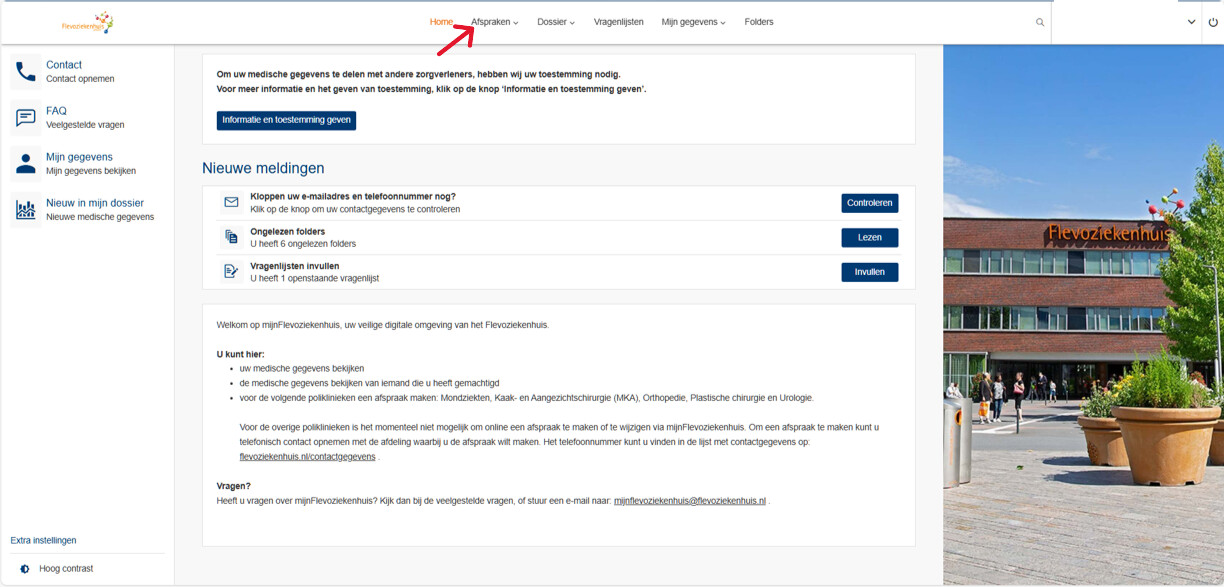
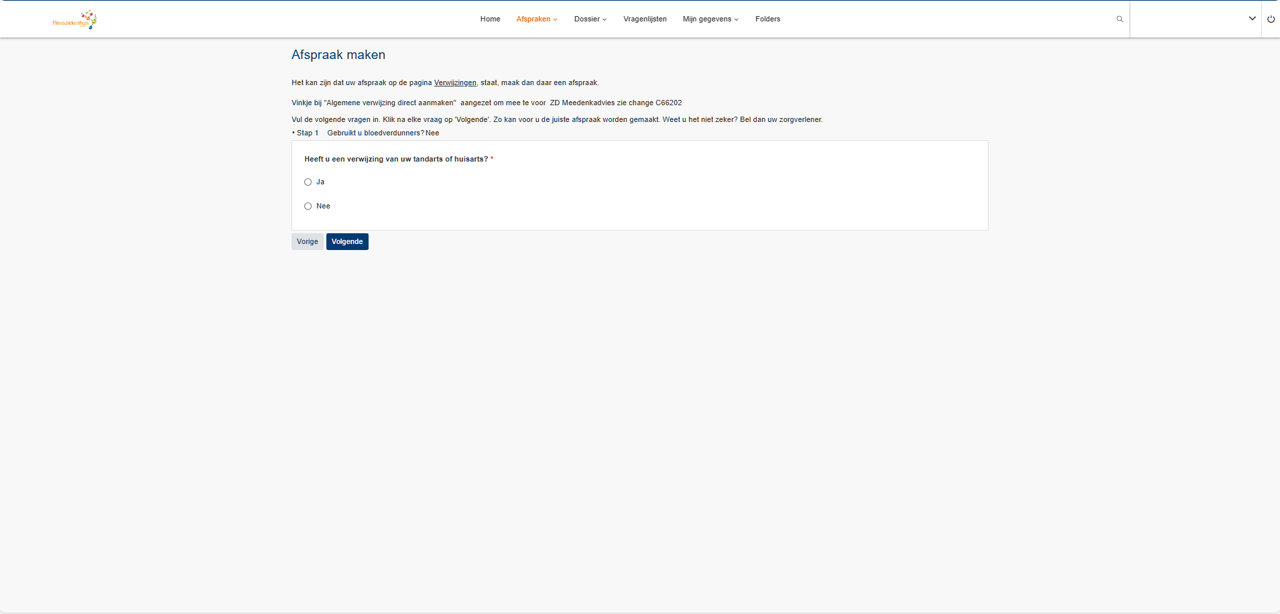
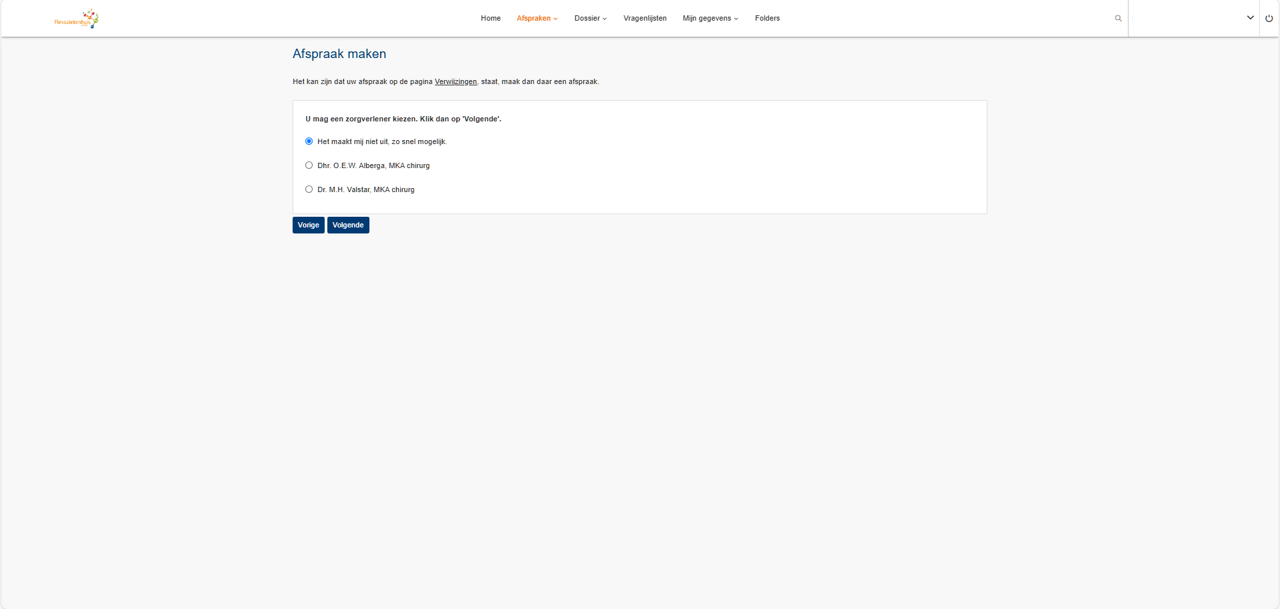
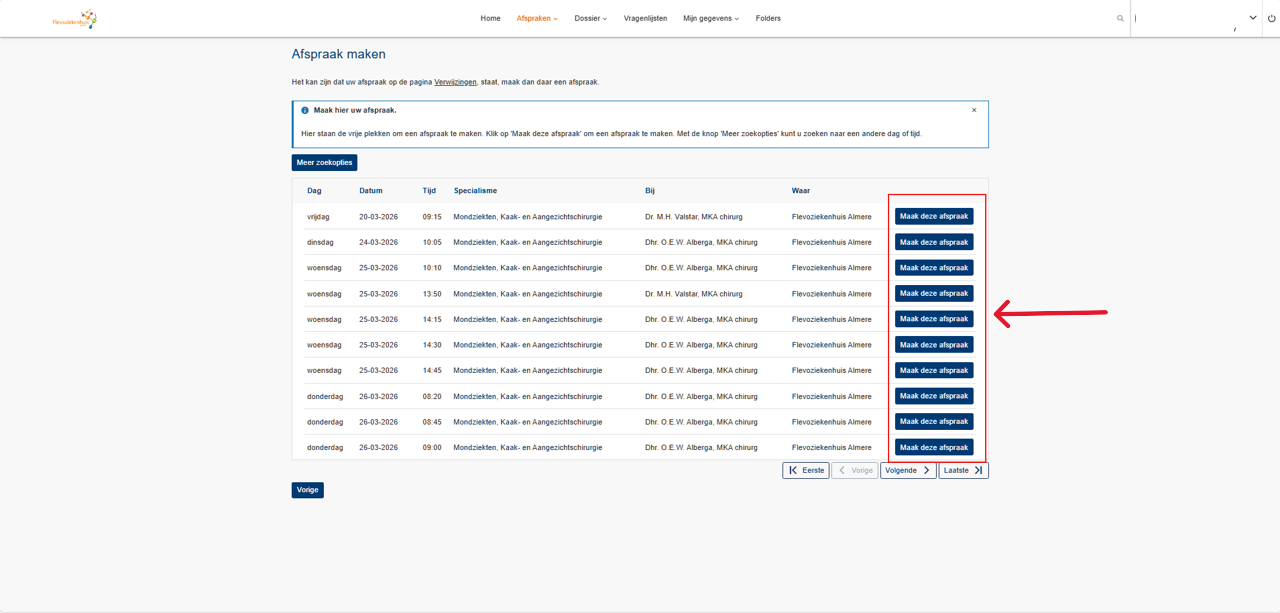
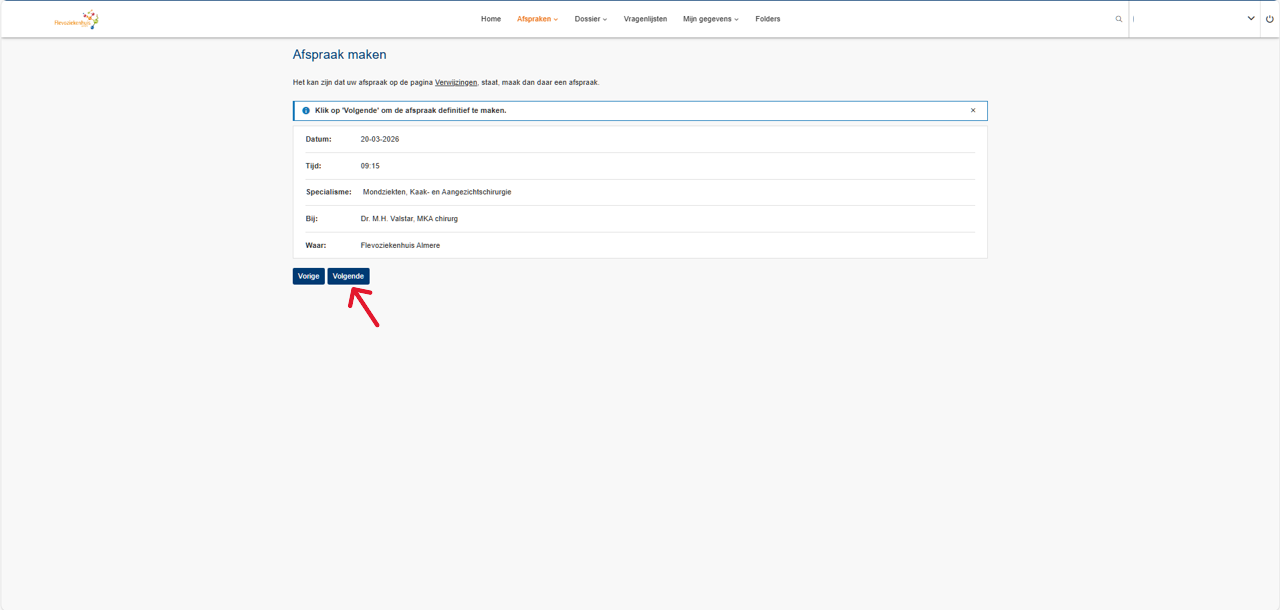
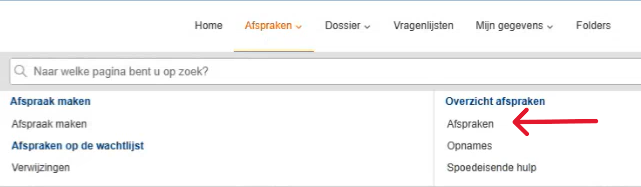
Home / Subjects / my Flevo Hospital / How do I make an appointment myself via mijnFlevoziekenhuis? How do I make an appointment myself via mijnFlevoziekenhuis? Voorlezen Translate Printen Delen WhatsApp E-mail Steps in brief Log in to my Flevo Hospital. Go to '‘Dates‘'. Make your appointment. 1. login Click here for an explanation on logging in via the internet. Click here for an explanation on logging in via the app. 2. Going to your appointments Click on '‘Dates‘'. Vergroot 3. Make your appointment Click on '‘Make an appointment‘'. Vergroot Choose where you want to make an appointment. You cannot always make an appointment online. In that case, please call the outpatient clinic. You will be asked a few questions about the appointment. Answer the questions. Click repeatedly‘Next’to continue. Vergroot Choose your healthcare provider. Click on ' again‘Next‘'. Vergroot Select the appointment you want to make. Click on '‘Make this appointment‘'. Vergroot Click on 'Next’to confirm the appointment. Vergroot 4. View your appointments You can also view your scheduled appointments. Click on '‘Dates‘'. Vergroot Click on ' again‘Dates‘'. Vergroot You can now view your appointments and read important information. Frequently asked questions about mijnFlevoziekenhuis How do I log in to mijnFlevoziekenhuis via the internet? How do I change my details in mijnFlevoziekenhuis? How do I view information leaflets in myFlevoziekenhuis? How do I fill out a questionnaire via mijnFlevoziekenhuis? How do I download my medication overview via mijnFlevoziekenhuis? How do I download my file via mijnFlevoziekenhuis? How do I manage my permissions in MyFlevoziekenhuis? How do I log in to mijnFlevoziekenhuis via the app (HiX Patient)?