You can try the following:
- Check the spelling
- Try another search

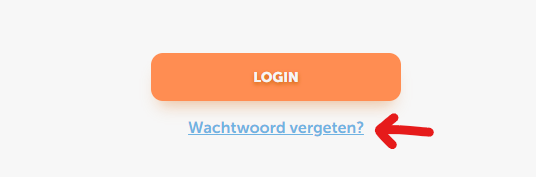
On the login screen, click 'Forgot your password'. Enter your email address.
You will receive an email to reset your password. If you have not received the email, please also check your spam/junk folders.
Click on the blue link in the email 'Reset Password'.
You can now create a new password.