You can try the following:
- Check the spelling
- Try another search

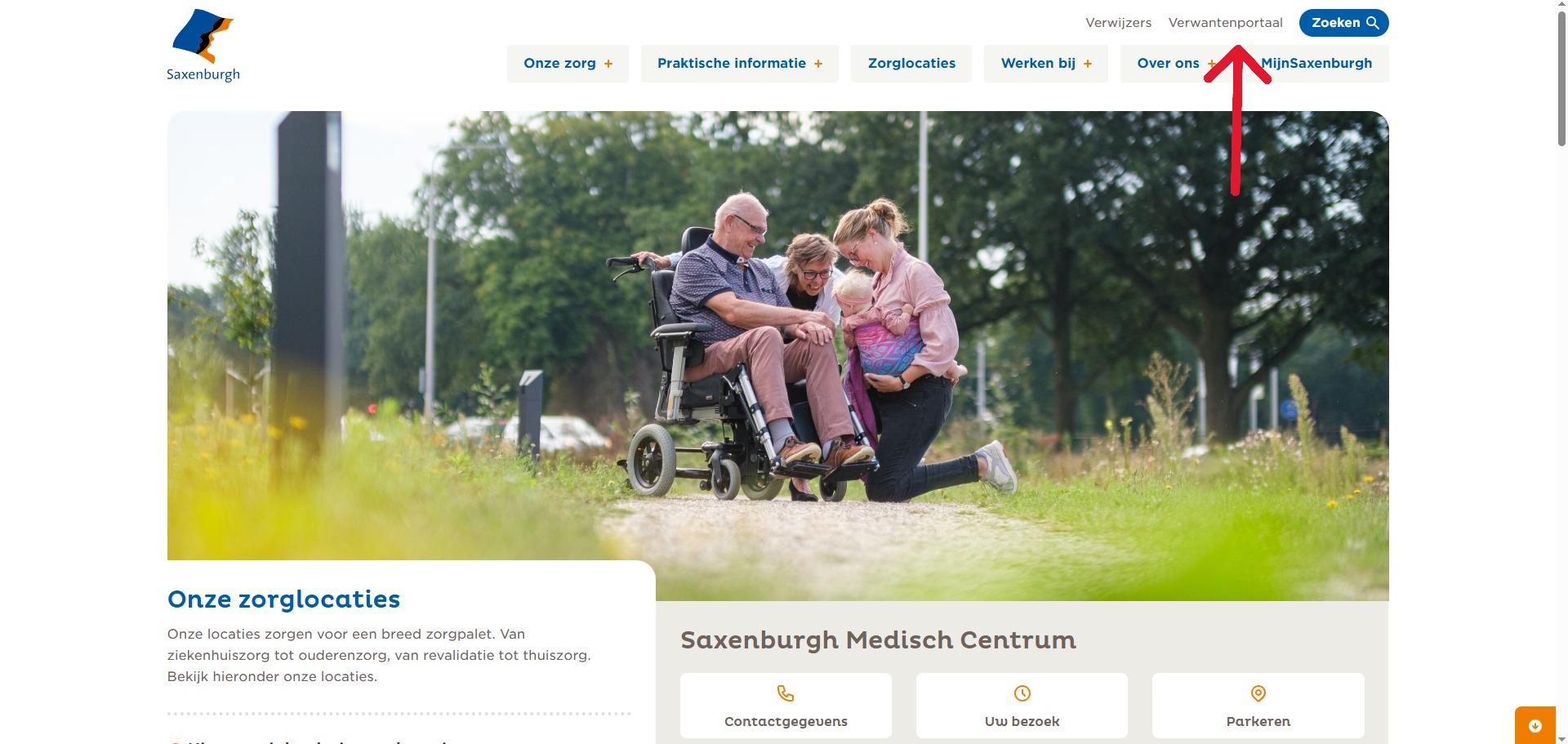
Go to the Saxenburgh Hospital website.
Click on “The Relatives Portal” at the top right of the Saxenburgh website.
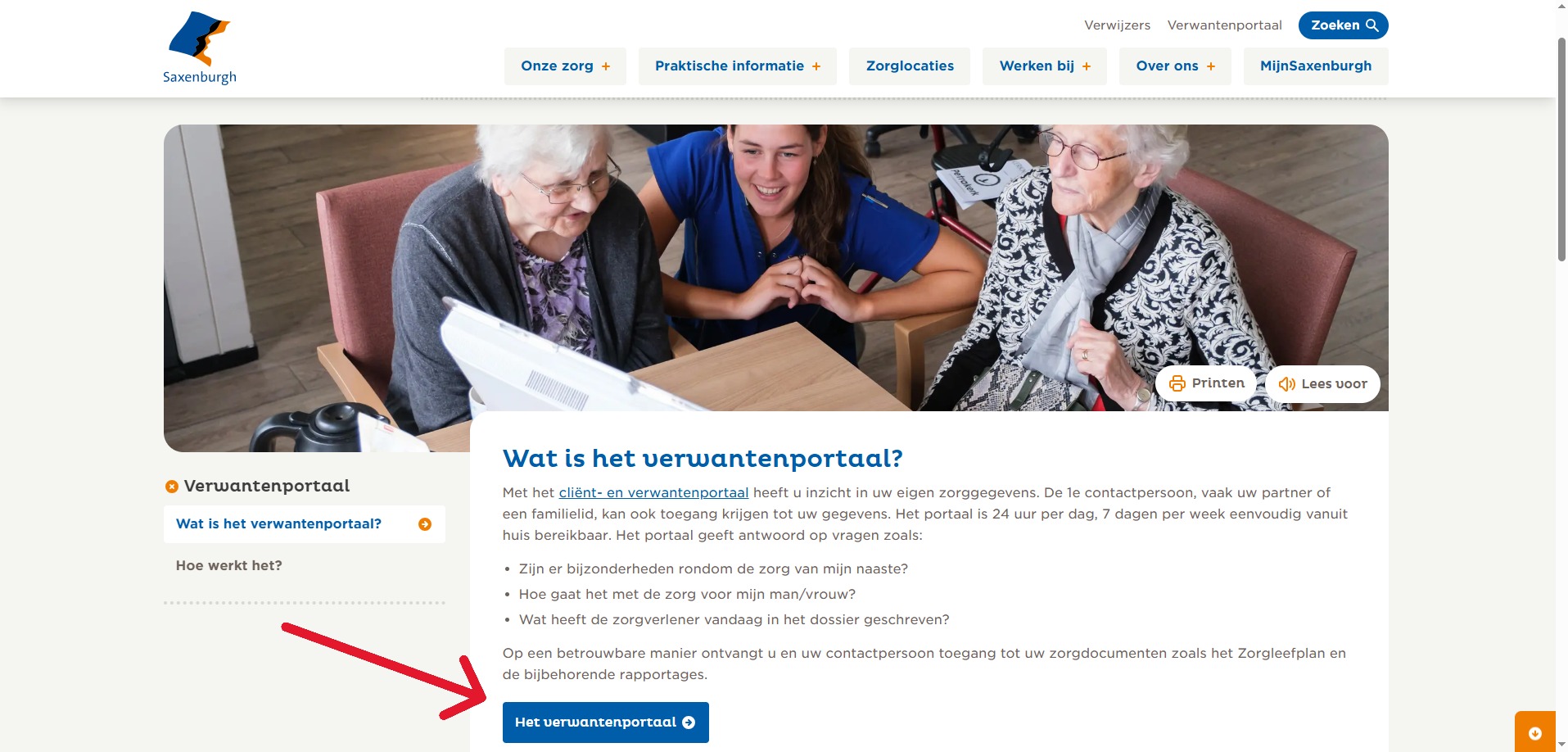
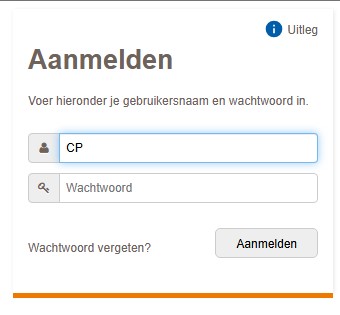
Scroll down and click on “The Relatives Portal”You will then arrive at a login page.
You can now log in with your account. Enter the username and password and click on “To register“.
Click on “enlarged”to view the image.