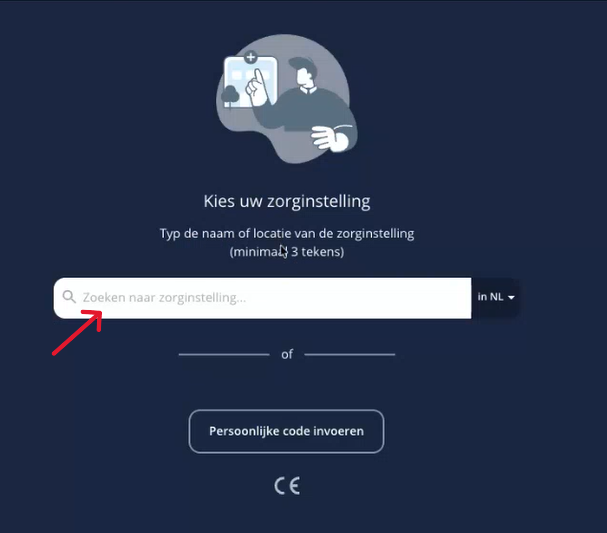
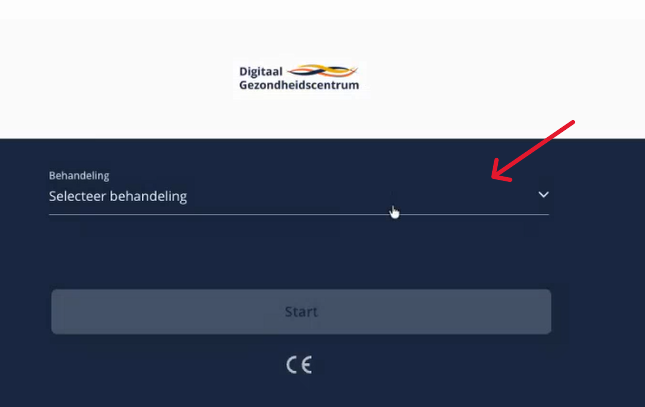
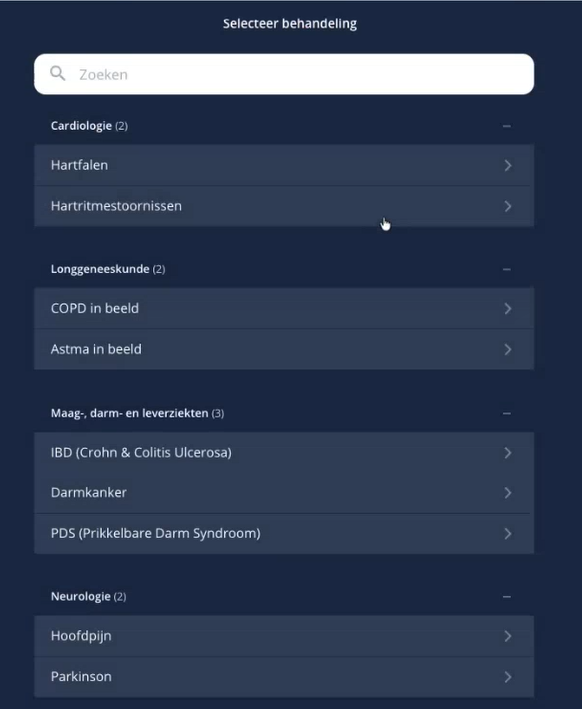
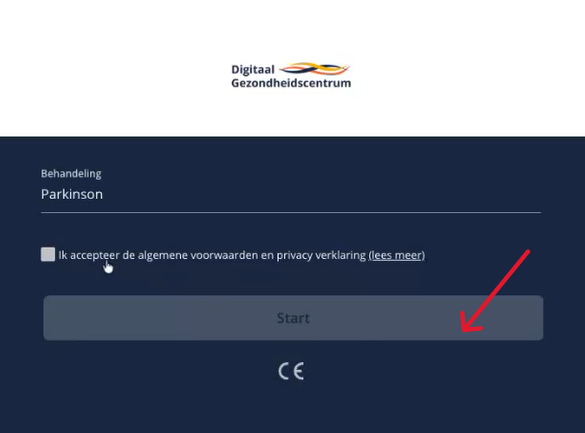
Home / Subjects / Patient Journey App / How do I activate the Patient Journey App without a personal code? How do I activate the Patient Journey App without a personal code? Voorlezen Translate Printen Delen WhatsApp E-mail Steps in brief Download the Patient Journey App. Open the app and select your healthcare institution. Install the app. 1. Download the Patient Journey App Go to the App Store or Google Play and search for '‘Patient Journey App. Download the Patient Journey App. Do you need more explanation about downloading an app? Then click below: General institutions Digital self-help 2. Select your healthcare institution Open the app. Type your healthcare institution in the search bar. Vergroot 3. Select your treatment Click on '‘Select treatment‘'. Vergroot Choose your treatment. Vergroot 4. Installing the Patient Journey App Accept the terms and conditions. Click on '‘Start‘'. Vergroot 5. You now have an account You now have an account with the Patient Journey App. Frequently asked questions about Patient Journey App How do I install an app?