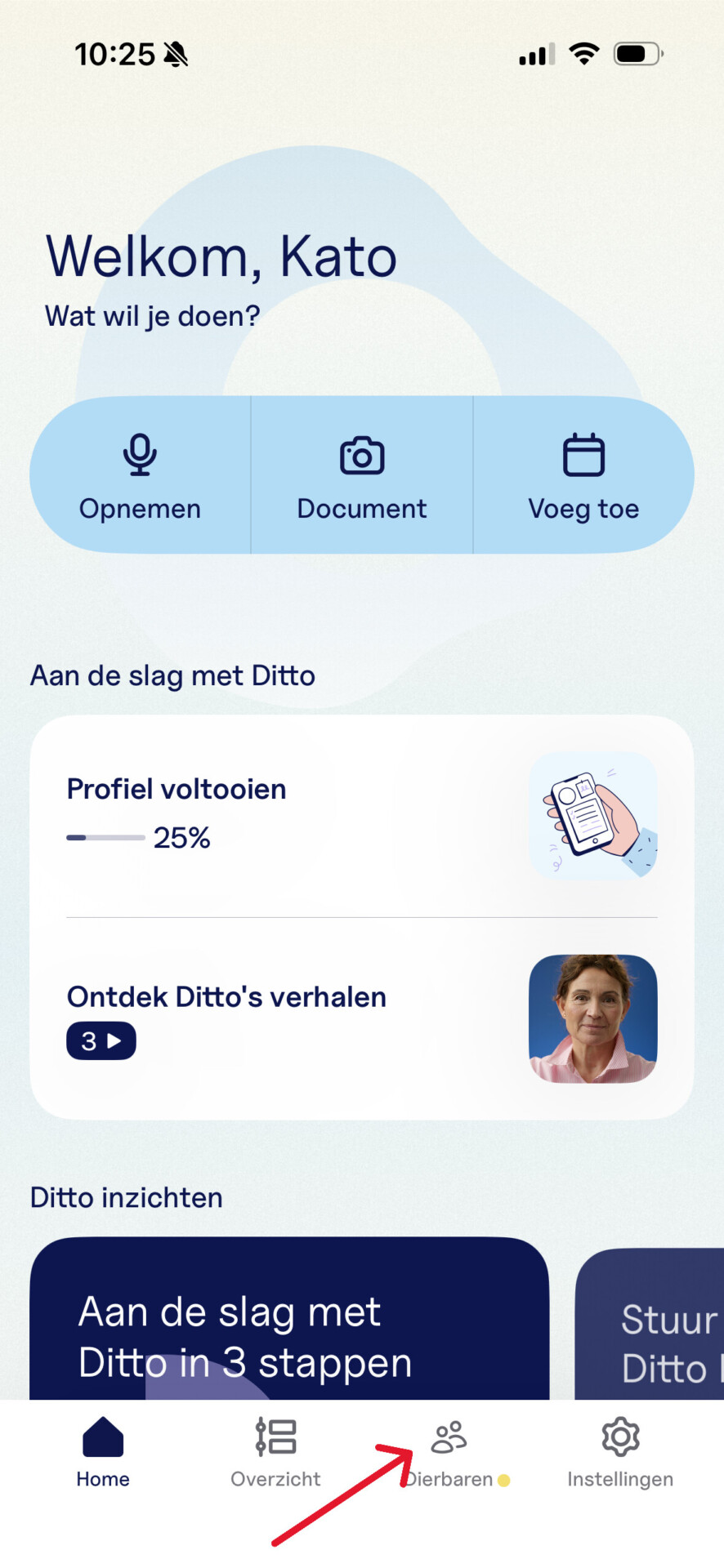
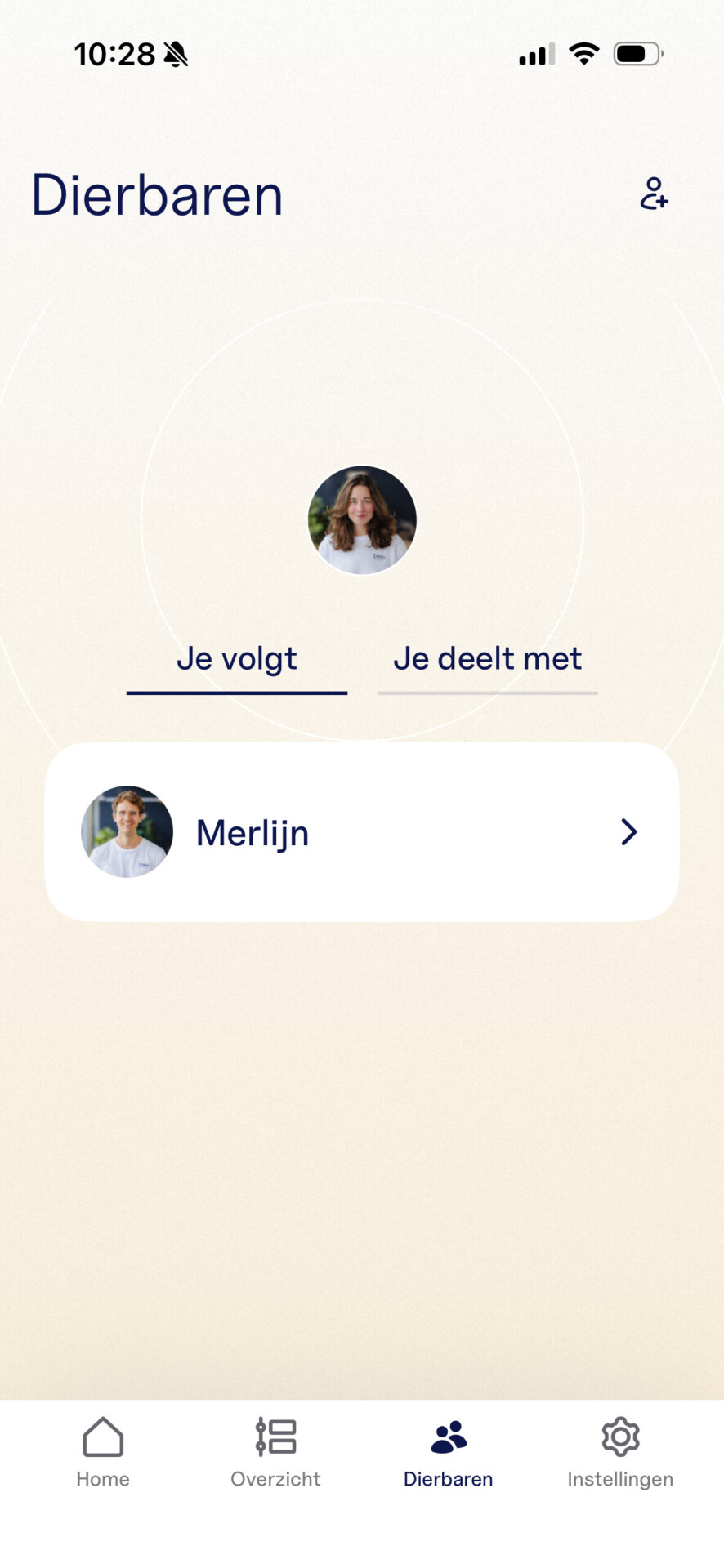
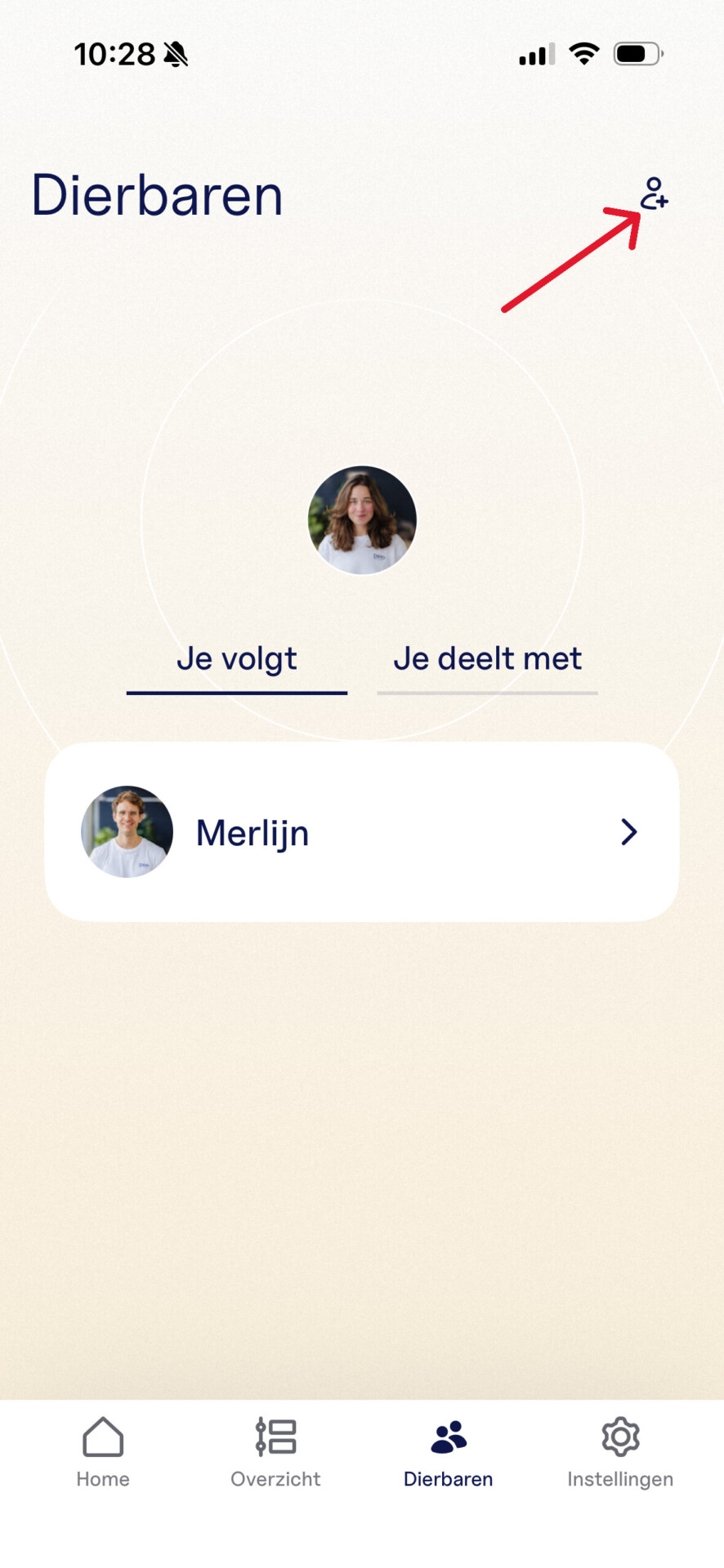
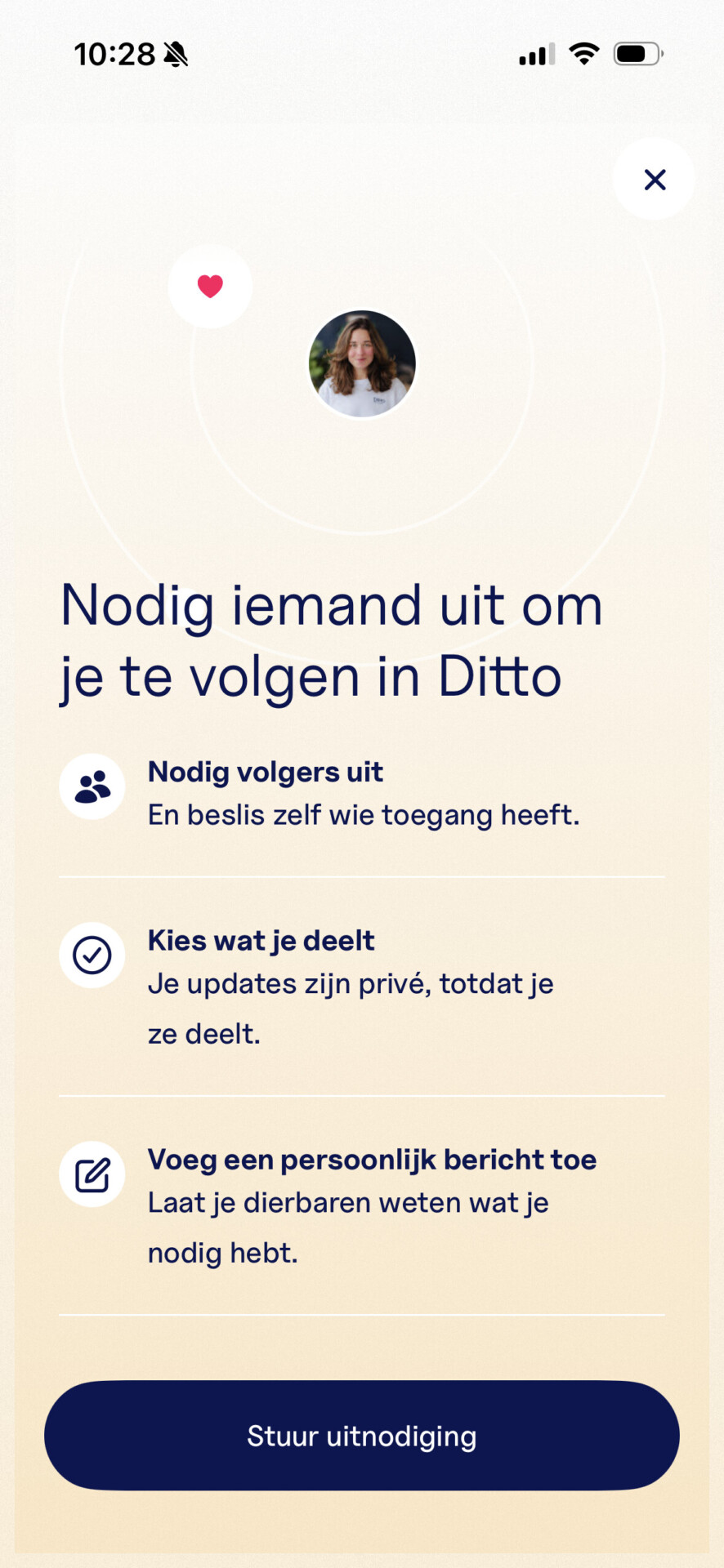
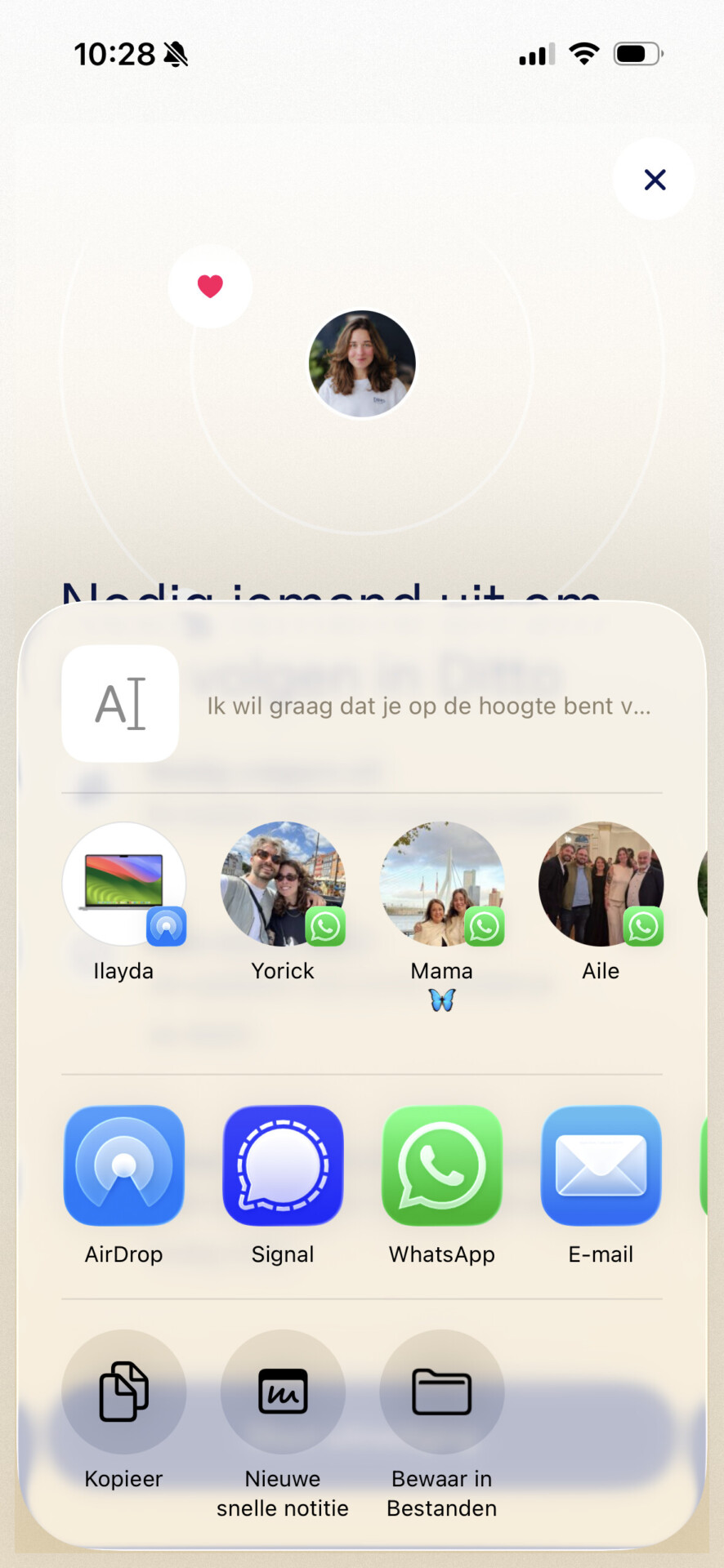
Home / Subjects / Ditto / How do I invite loved ones to Ditto? How do I invite loved ones to Ditto? Voorlezen Translate Printen Delen WhatsApp E-mail Steps in brief Open the Ditto app on your phone and log in. Click on '‘Loved ones‘'. See who you follow and who you share with. Invite a new contact to share information. 1. login Open the Ditto app. Log in with your email address and password. You can also log in via Google or Apple. 2. Go to loved ones After logging in, you will arrive at the homepage. Click on '‘Loved ones‘'. You can view your loved ones. Vergroot 3. View loved ones Click on '‘You follow‘to see who you follow. Click on '‘You share with‘to see who you share with’ Vergroot 4. Add loved ones Click on the symbol to add a loved one. Vergroot Click on '‘Send an invitation‘'. Vergroot Choose a way to send the invitation to a loved one. Vergroot Frequently asked questions about Ditto How do I create an account at Ditto? How do I start a recording in Ditto? How can I have documents explained in Ditto? How do I add an appointment in Ditto?