You can try the following:
- Check the spelling
- Try another search

To delete your account from the Uw Zorg Online PGO, first log in to the account you want to delete.
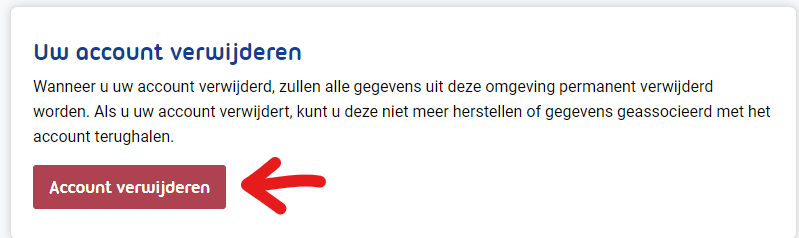
If you are logged in, click at the top right 'Account'. Now scroll down until you see a red button with 'Remove Account' sees.
You can click on that. Then you can enter the authentication code from your authentication app and click on it 'Authenticate'.
You can then delete your account.