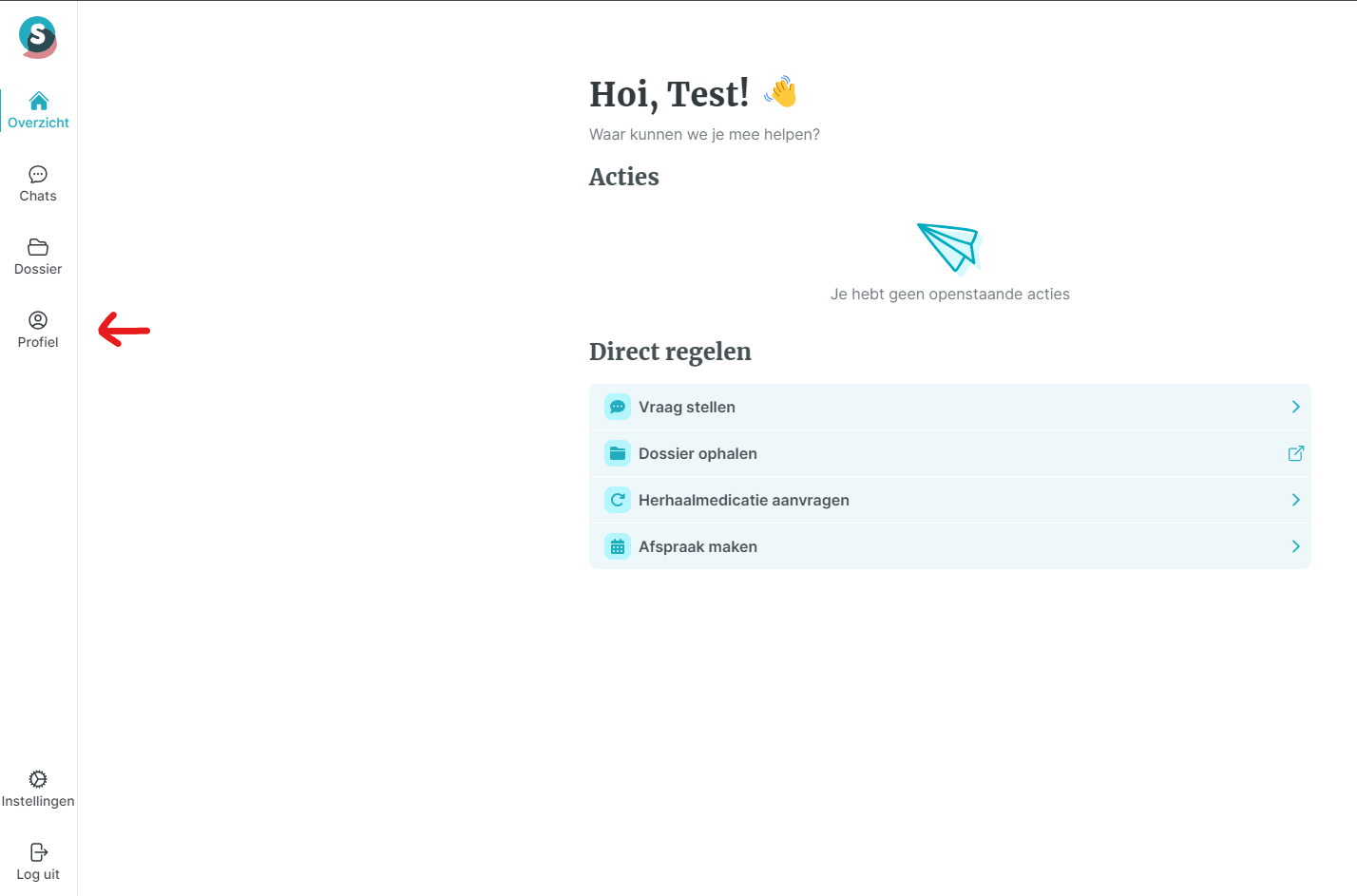
Home / Subjects / Spreekuur.nl / How do I change my personal details on Spreekuur.nl? How do I change my personal details on Spreekuur.nl? Voorlezen Translate Printen Delen WhatsApp E-mail Steps in brief Log in to Spreekuur.nl Go to 'Profile' click on 'Personal information' and then on 'Change' Change your details and click 'Save' 1. login Click on this link for an explanation on logging in via the website. Click on this link for an explanation on logging in via the app. 2. Go to your profile click on ‘File. Vergroot 3. Changing data click on ‘Persoonlijke gegevens’. Here you can see the personal information known to Consultation Hours. If you want to change this, click 'Change'. After changing the data, click on the blue button 'Save'. Vergroot Frequently asked questions about Spreekuur.nl How do I accept an invitation from my healthcare or support provider for Spreekuur.nl? How do I view my messages on Spreekuur.nl? How do I log in to Spreekuur.nl via the internet? How do I view my file on Spreekuur.nl? How do I log in to Spreekuur.nl (PGO) via the app? How do I start a chat with my healthcare provider on Spreekuur.nl? How do I create an account on Spreekuur.nl? How do I perform a self-assessment on Spreekuur.nl? How do I delete my data in Spreekuur.nl PGO?