Ga naar de homepagina
The text on this page is translated automatically. Show in original language

Hoe log ik in op de Thuismeten – Zorg op afstand (Luscii) app?

1. Enter email address

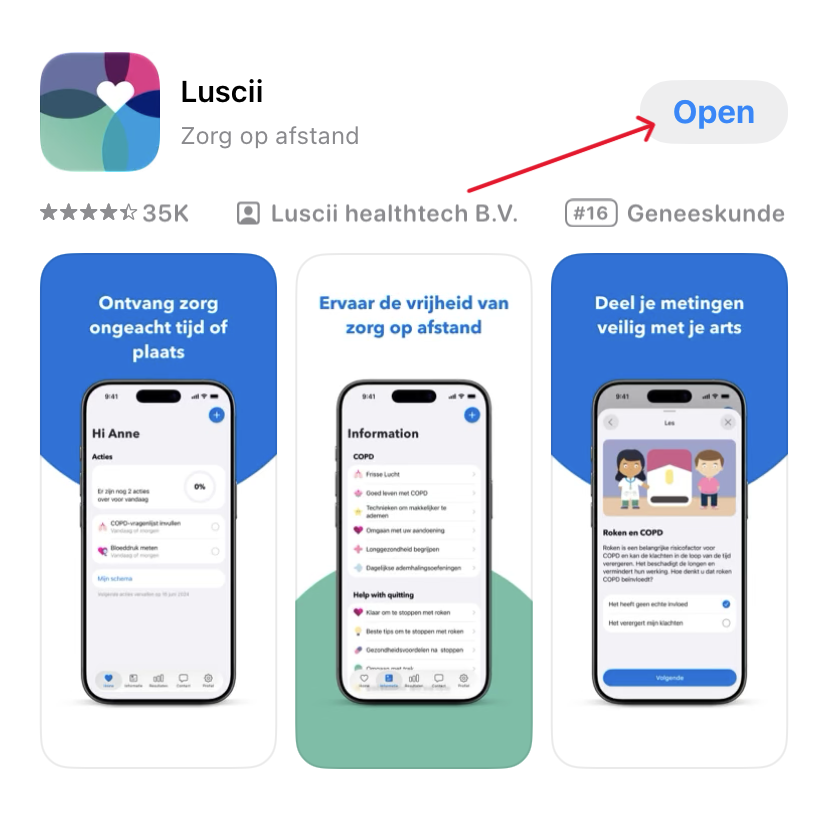
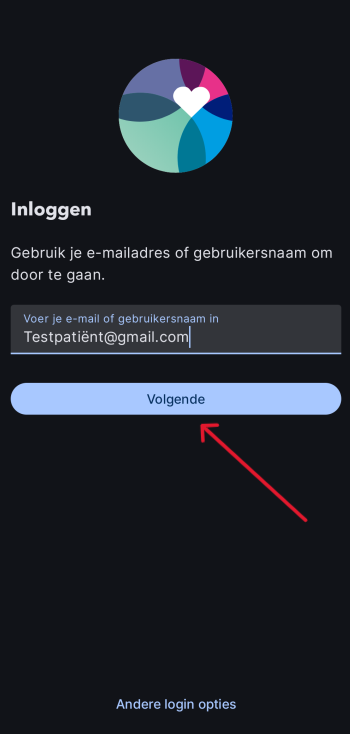
When you open the app, you will see a field where you can enter your email address. Use your email address known to the hospital or your username if you have multiple accounts.

2. Login code

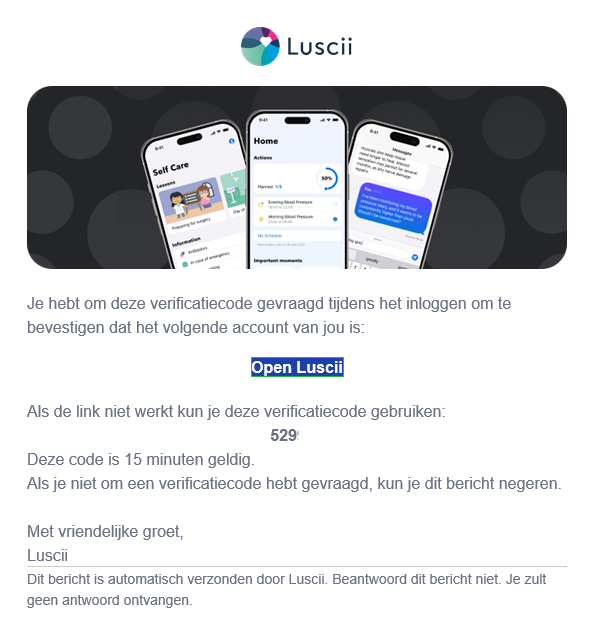
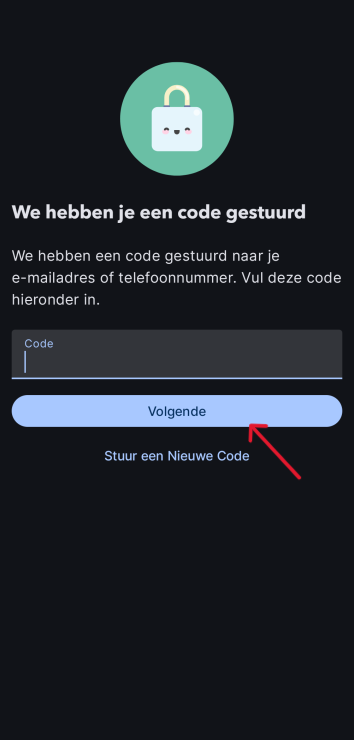
You will then receive an email from the Thuismeten app containing a one-time login code with which you can log in.

Please note: the login code is only valid for a certain time (15 minutes) and can only be used once.

3. To work!

Every time you log in you will receive a new login code. Make sure you always use the code you last received. You can get started now!