You can try the following:
- Check the spelling
- Try another search

To use the Zorgdoc app, you must first install it on your phone or tablet.
If you are using an Android (such as Samsung), do this via the Google Play Store.
If you use an Apple device (iPhone, iPad), you can do this via the Apple App Store.
After installing the app, you can open it.
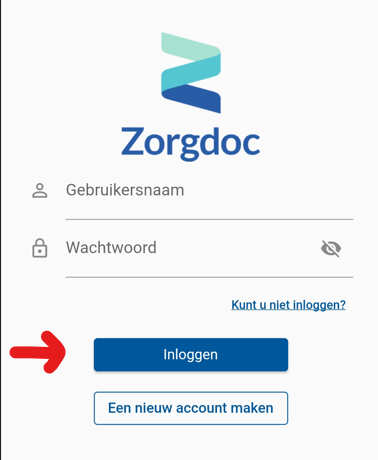
You can now enter your username and password. Then you can leave 'Login' Press to log in.
You need a verification code to log in. You can now choose how you want to receive the code:
By email: You will receive an email containing the code.
By SMS: An SMS will be sent to you containing the code.
Enter this code in the app and then press 'Verify'.
You are now logged in.