You can try the following:
- Check the spelling
- Try another search

To use the Zorgdoc app, you must first download it. At the bottom of this page you will find help installing an app.
Open the Zorgdoc app on your mobile or tablet and log in.
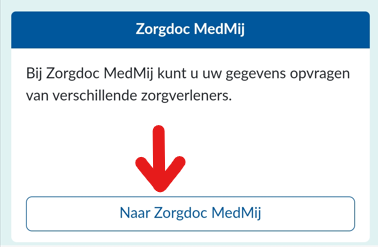
Then scroll down and press 'To Zorgdoc Medmij'
Press 'Check my 2FA'. You can choose to have a verification code sent to you by email or SMS. You can enter the code in the Zorgdoc app.
If there is no option, the code will be sent to you in the same way as when you logged into the app.
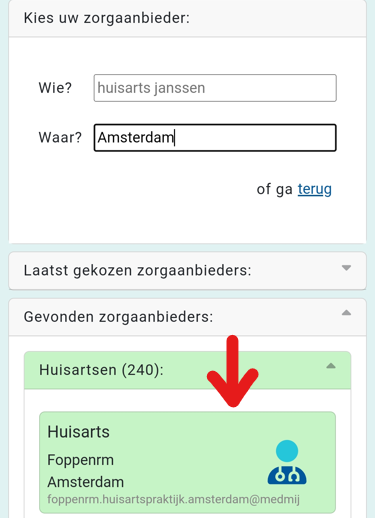
Now press 'Request data'. Now you can search for your healthcare provider.
When you have found your healthcare provider, press it and indicate which data you want to retrieve.
When you have selected the correct data, press 'Request data'.
You will then be redirected to your healthcare provider's website. Log in here to link the data to your Zorgdoc account.
You can log in via DigiD.
How do I log in with DigiD? – Digital Care Helpdesk