You can try the following:
- Check the spelling
- Try another search

Go to the MijnMitz website and log in.
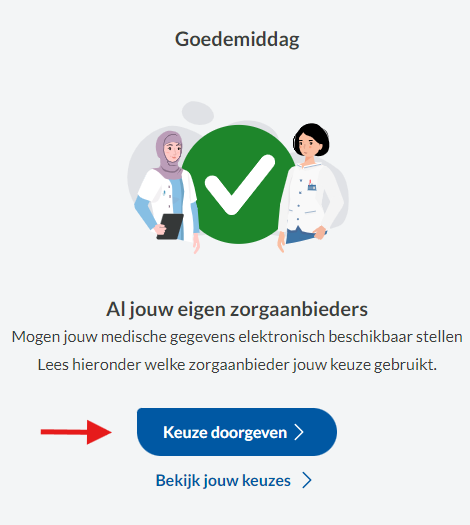
If this is your first time logging in, go through the welcome screen first.
Once you have (already) done this, you will be given the option on the start screen 'Submit your choice'. Click on this.
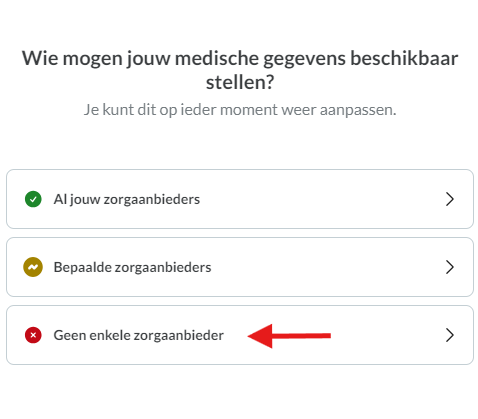
You will now see three options. To not give permission to any healthcare provider, click 'Not a single healthcare provider'.
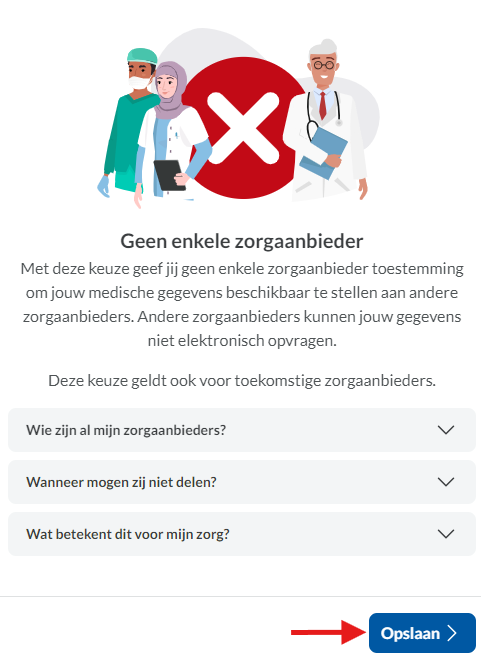
Here you can read some additional information and check which healthcare providers you are denying permission. You can see this by clicking on the light gray box.
If you agree, click 'Save'.