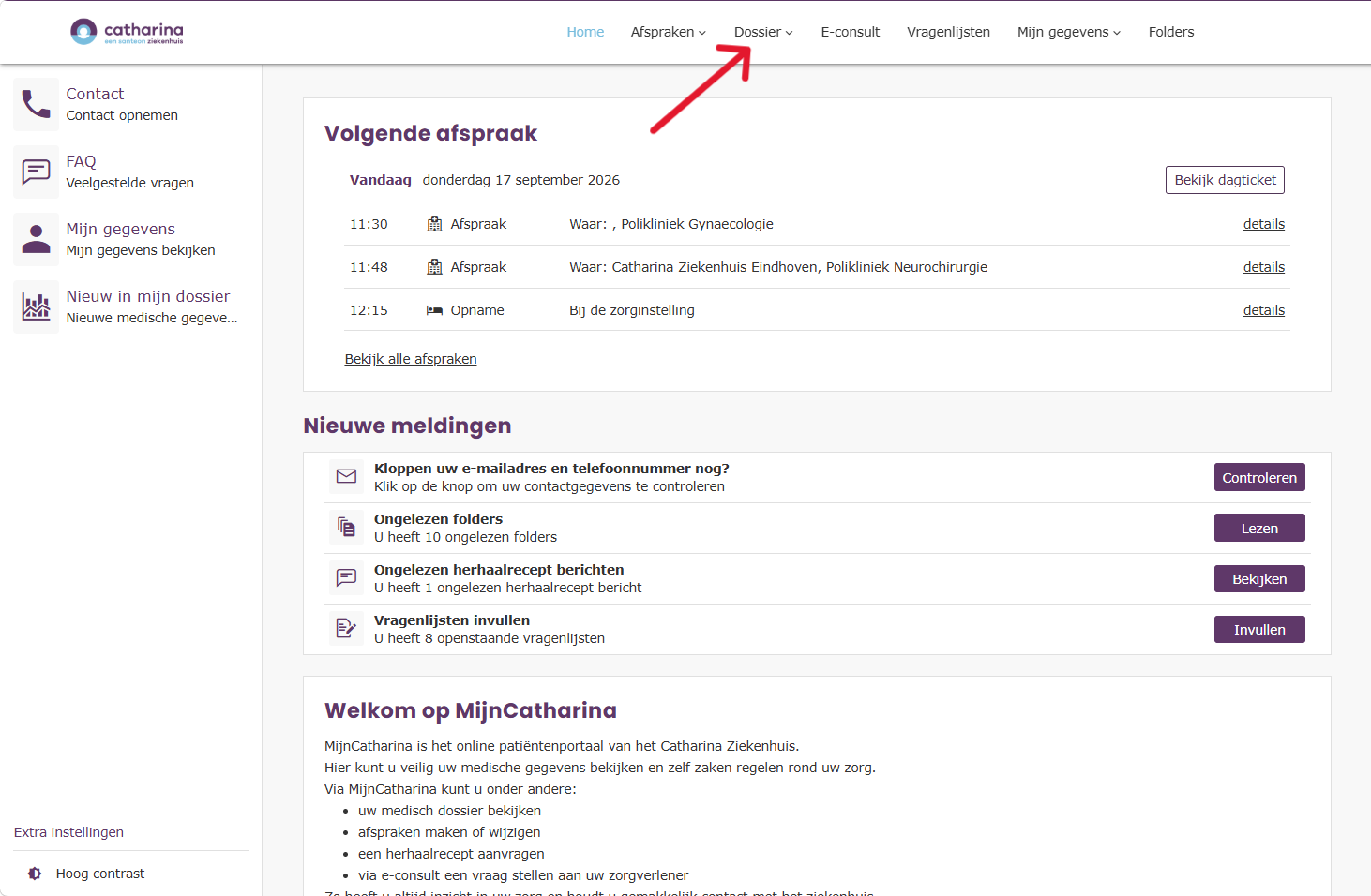
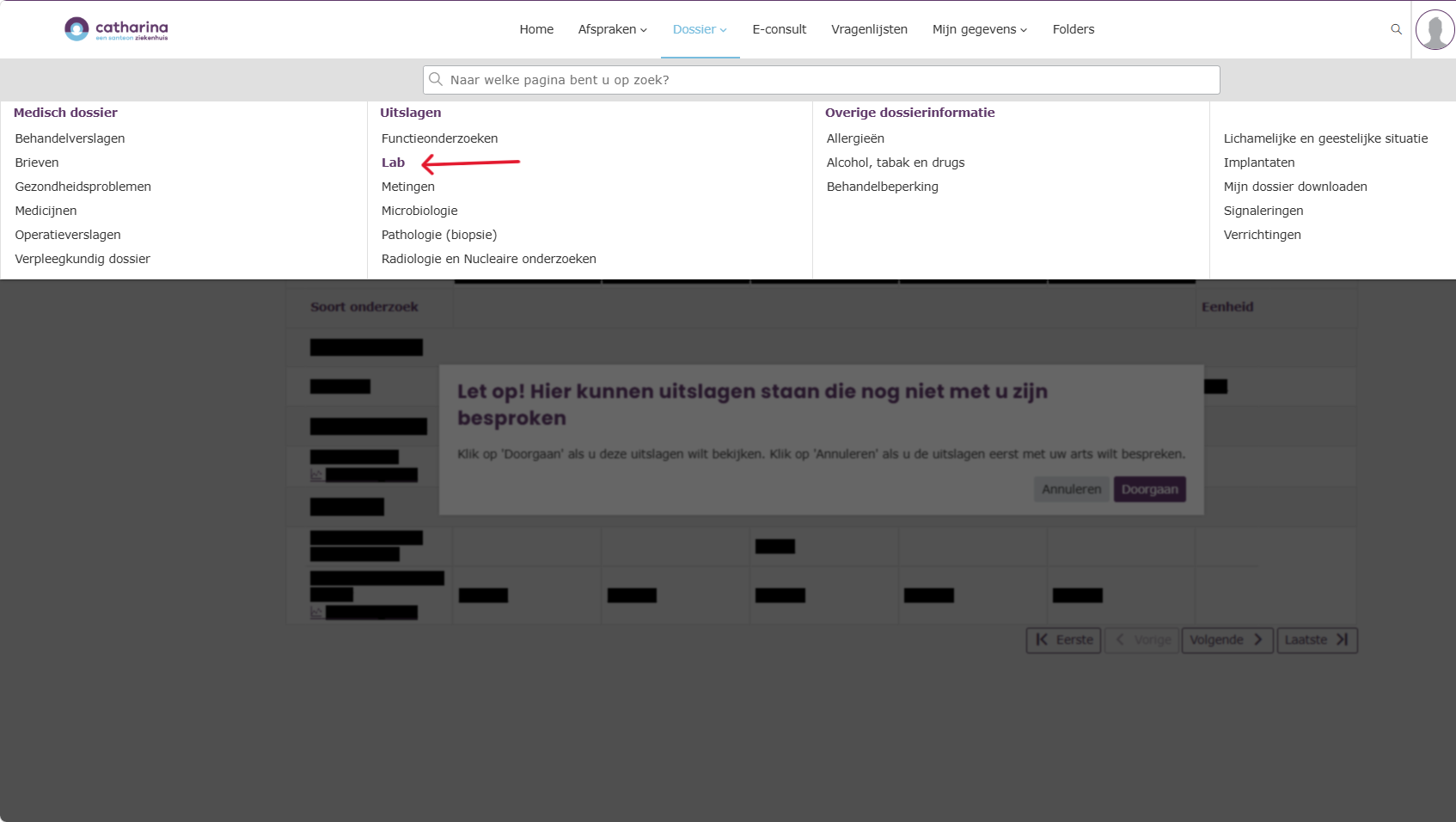
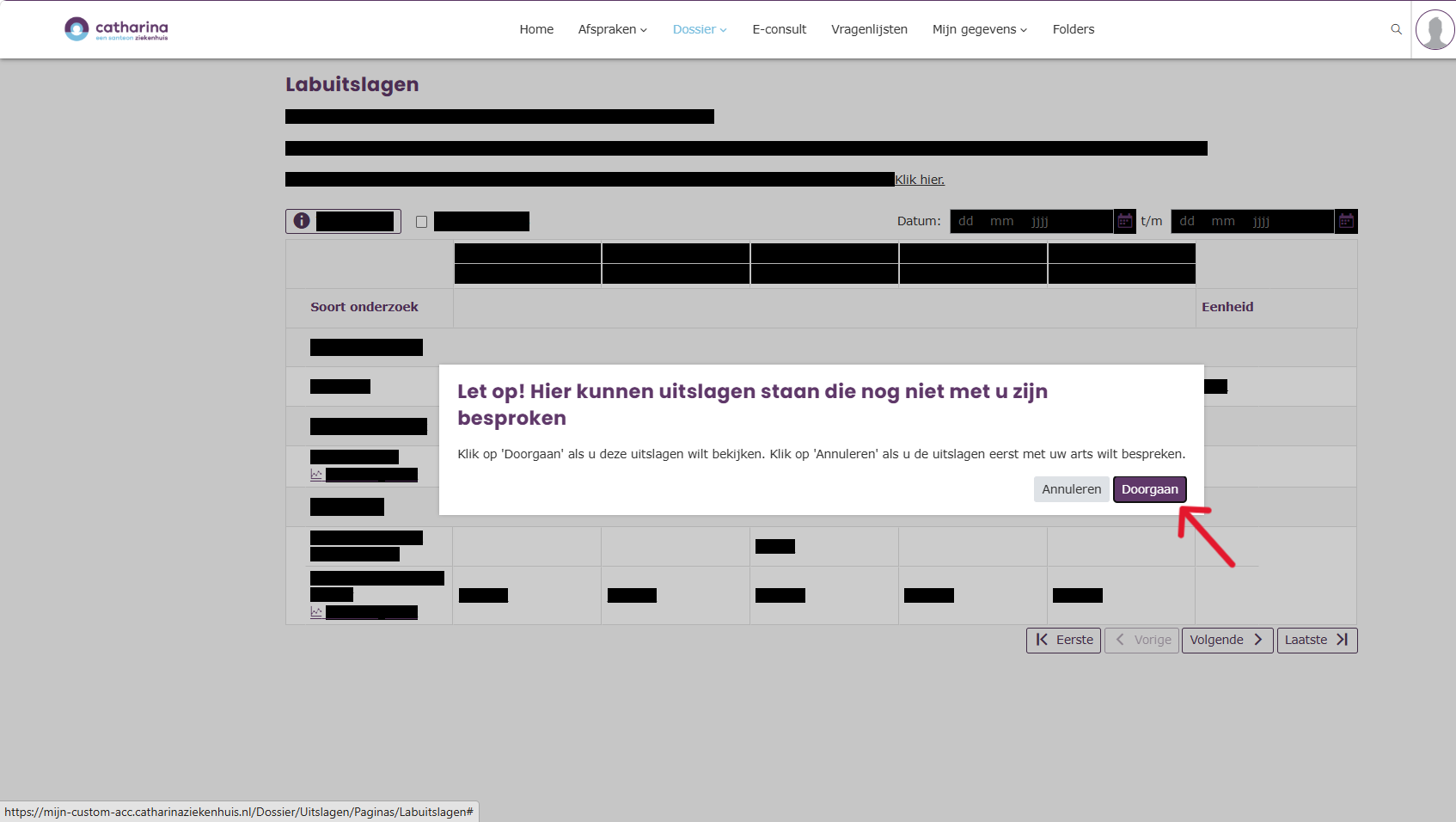
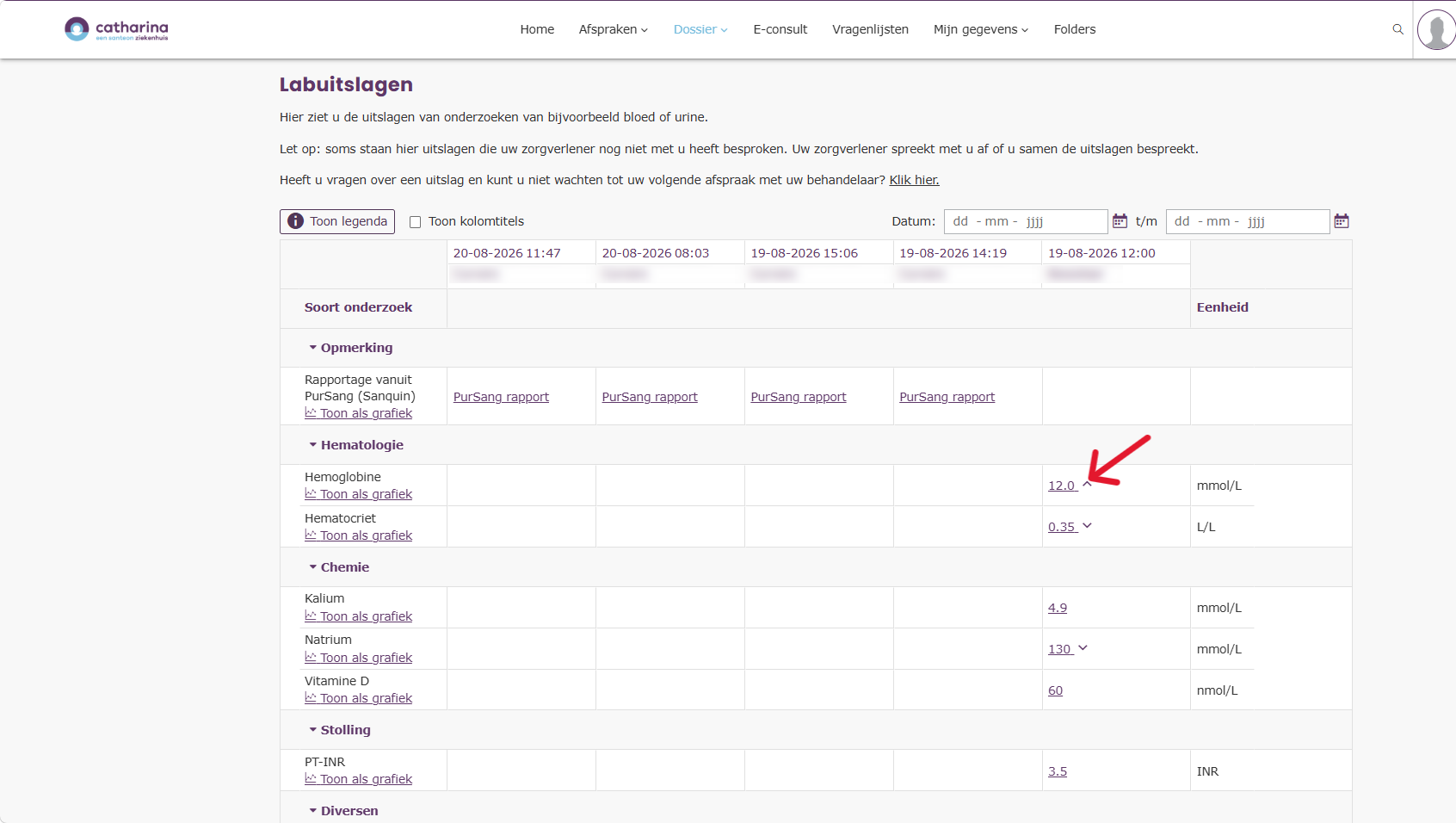
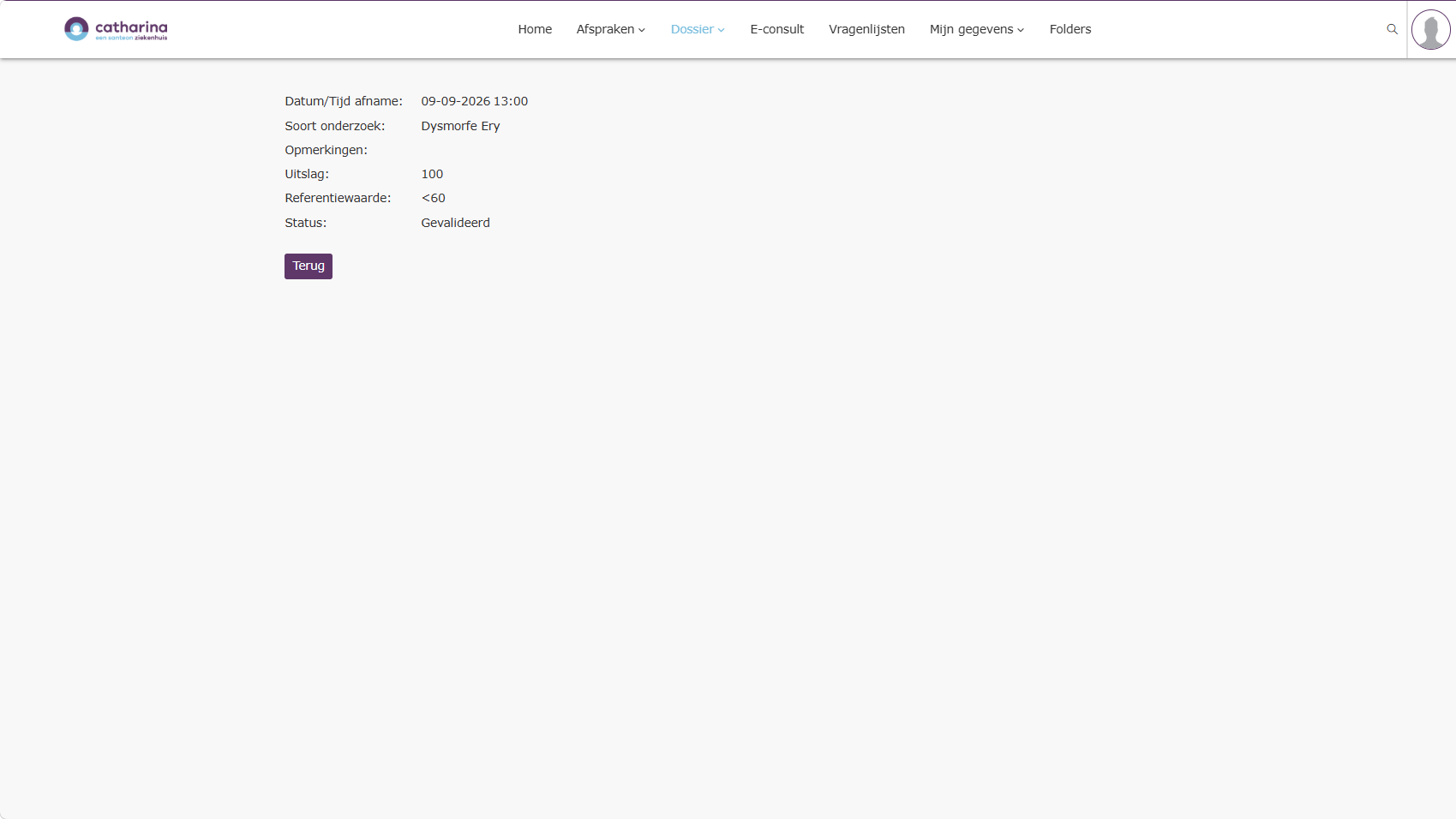
Home / Subjects / My Catharina / How do I view my lab results in MijnCatharina? How do I view my lab results in MijnCatharina? Voorlezen Translate Printen Delen WhatsApp E-mail Steps in brief Log in to My Catharina. Go to '‘File‘. Go to your lab results. View your lab results. 1. login Read the explanation about logging in via the internet.. Read the explanation about logging in via the app.. 2. Go to file Click on '‘File‘'. Vergroot 3. Go to your lab results Click on '‘Lab‘'. Vergroot 4. View your results A warning appears. Click on '‘Continue‘to open your results. Vergroot View your results. Click on the result for more information. Vergroot Vergroot Frequently asked questions about MijnCatharina How do I request a repeat prescription via MijnCatharina? How do I log in to myCatharina via the internet? How do I log in to MijnCatharina via the app (HiX Patient)? How can I give someone access to MijnCatharina or view my child's file? How do I view my lab form in MyCatharina? How do I view my appointments in MyCatharina? How do I fill out a questionnaire via MijnCatharina? How do I view my brochures in MyCatharina? How do I start an e-consultation in MijnCatharina? How do I start a video consultation in MijnCatharina?