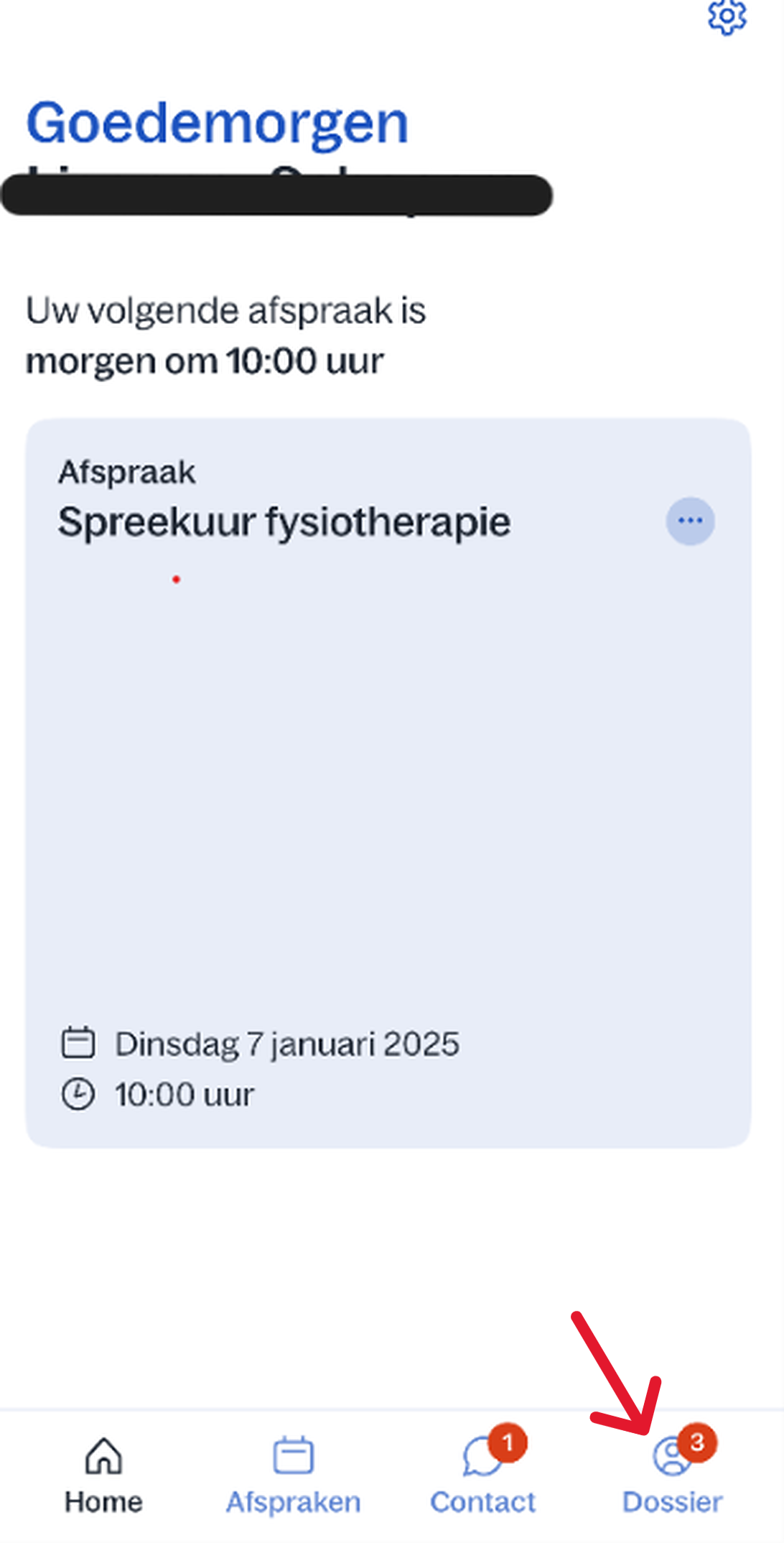
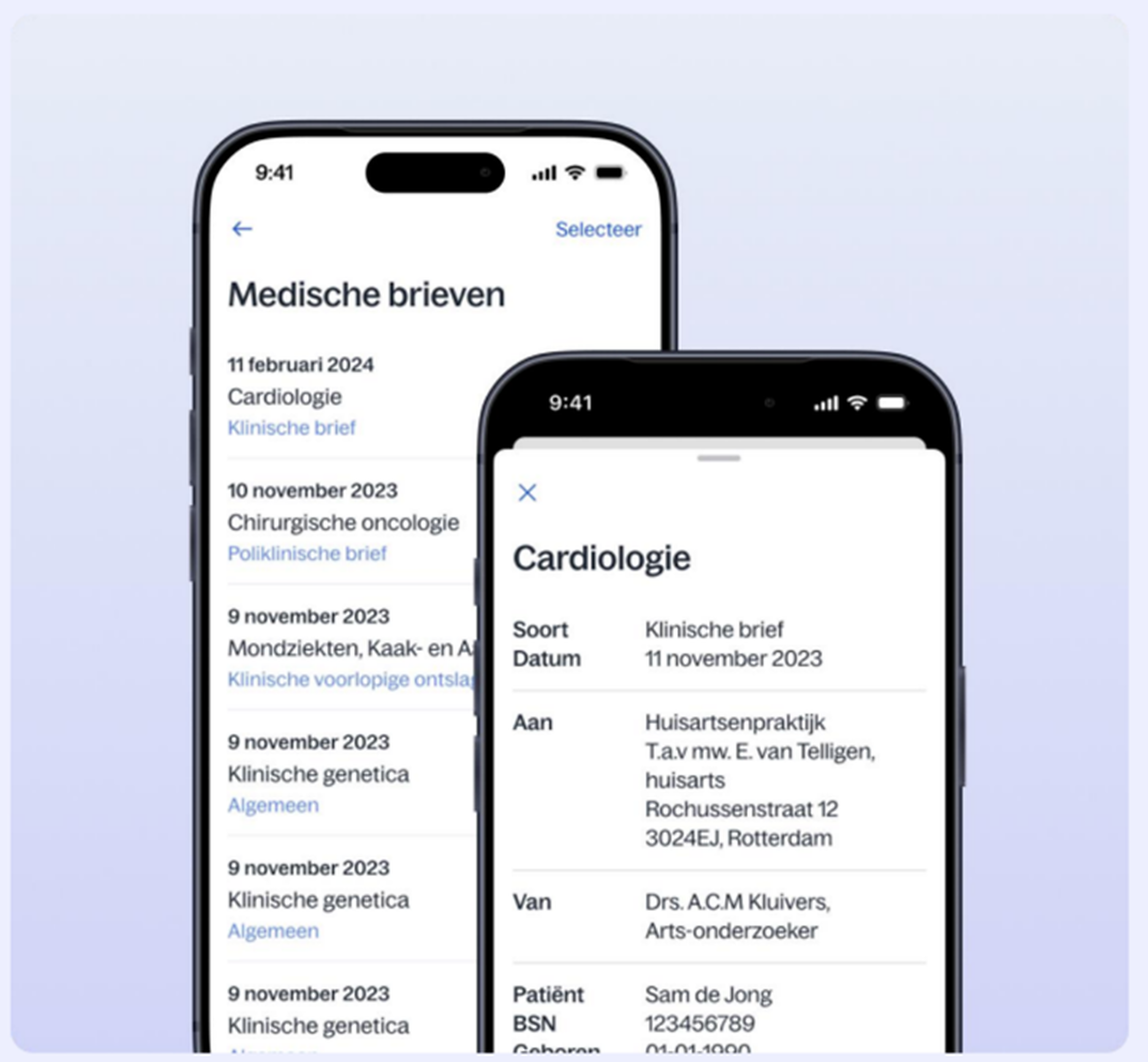
Home / Subjects / Digital care / How do I view medical letters in the Digizorg app? How do I view medical letters in the Digizorg app? Voorlezen Translate Printen Delen WhatsApp E-mail Let op: medische brieven vanaf 2021 kunt u bekijken in de Digizorg app. Steps in brief Log in bij de Digizorg app. Go to '‘File'. Bekijk uw medische brieven. 1. login Read the explanation about logging in via the app. 2. Ga naar uw dossier Click on '‘File‘'. Vergroot 3. Bekijk uw medische brieven Click on '‘Medische gegevens‘'. Bekijk uw medische brieven. Vergroot Frequently asked questions about Digizorg How do I log in to the Digizorg app? How do I view my appointment in the Digizorg app? How do I view lab results in the Digizorg app? How do I view brochures in the Digizorg app? How do I view my PGO in the Digizorg app? How can I give someone access to the Digizorg app or view my child's file? How do I switch accounts in the Digizorg app?