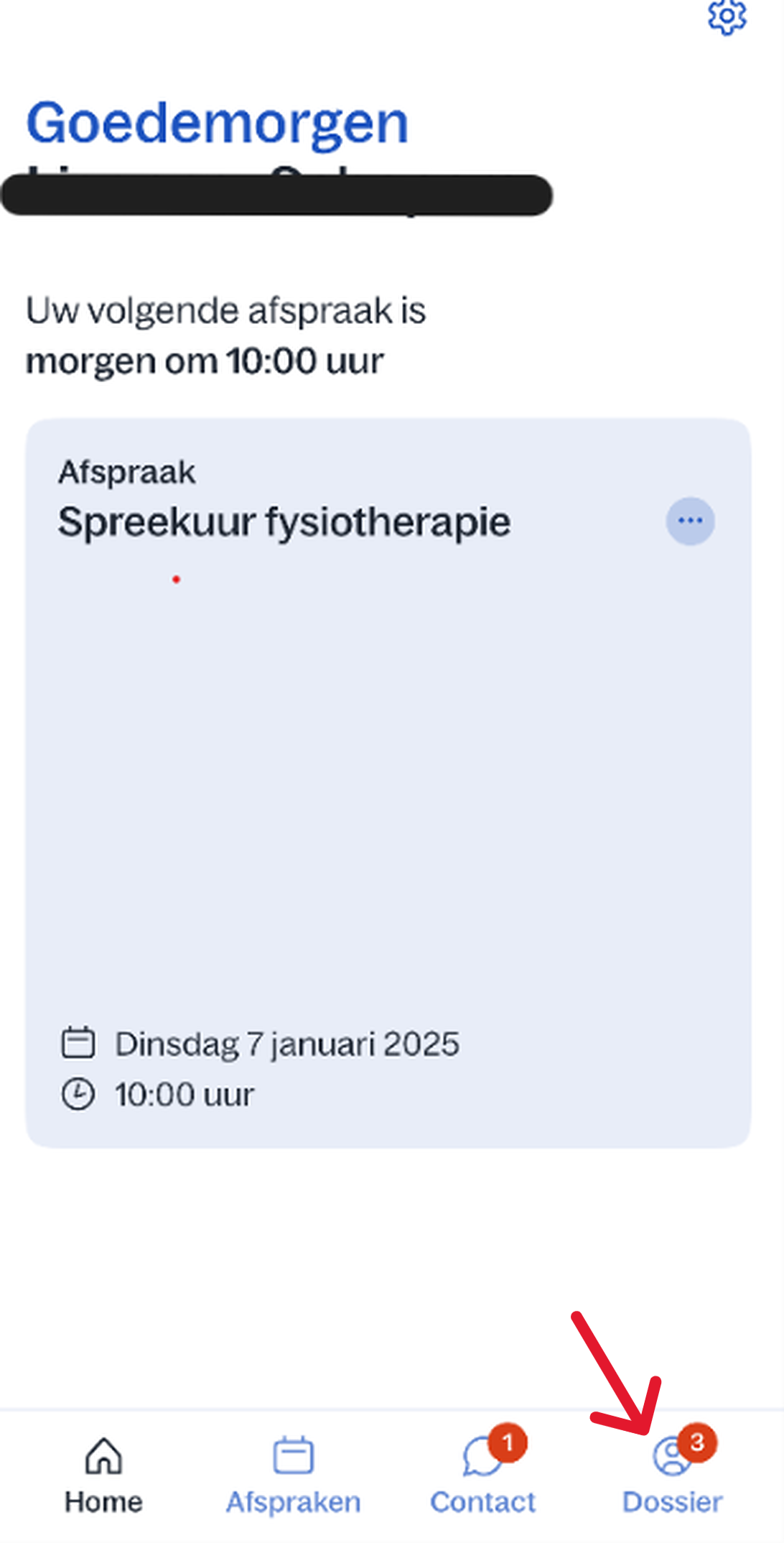
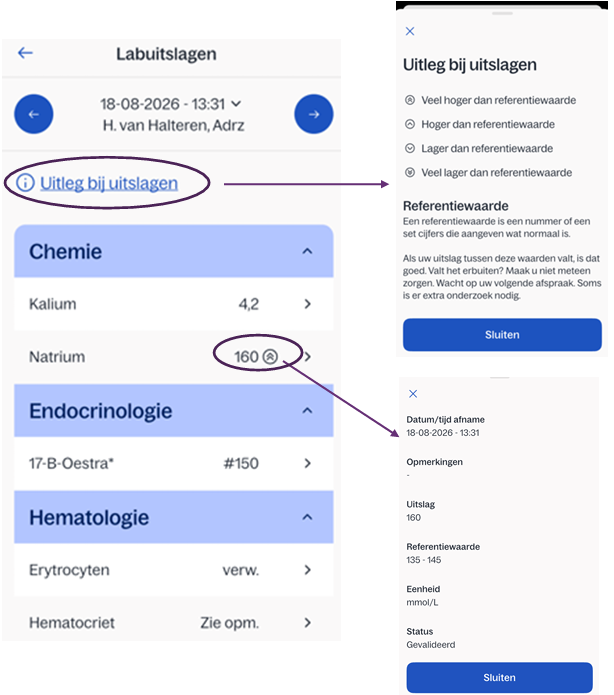
Home / Subjects / Digital care / How do I view lab results in the Digizorg app? How do I view lab results in the Digizorg app? Voorlezen Translate Printen Delen WhatsApp E-mail Please note: you can view lab results going back up to one year from your first login to the Digizorg app. Steps in brief Log in to the Digizorg app. Go to '‘File'. View your lab results. 1. login Read the explanation about logging in via the app. 2. Go to your file Click on '‘File‘'. Vergroot 3. View your lab results Click on '‘Medical data‘'. Click on a result for more information. Vergroot Frequently asked questions about Digizorg How do I log in to the Digizorg app? How do I view my appointment in the Digizorg app? How do I view medical letters in the Digizorg app? How do I view brochures in the Digizorg app? How do I view my PGO in the Digizorg app? How can I give someone access to the Digizorg app or view my child's file? How do I switch accounts in the Digizorg app?