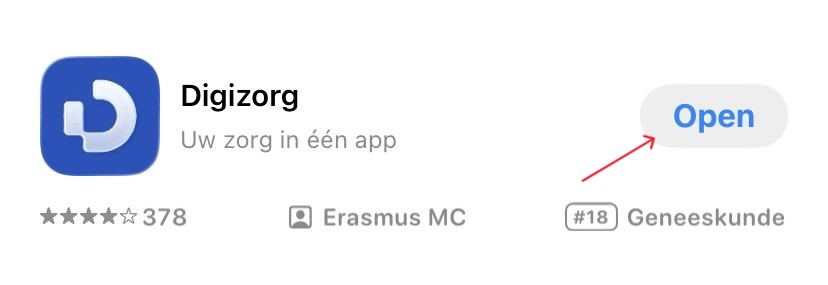
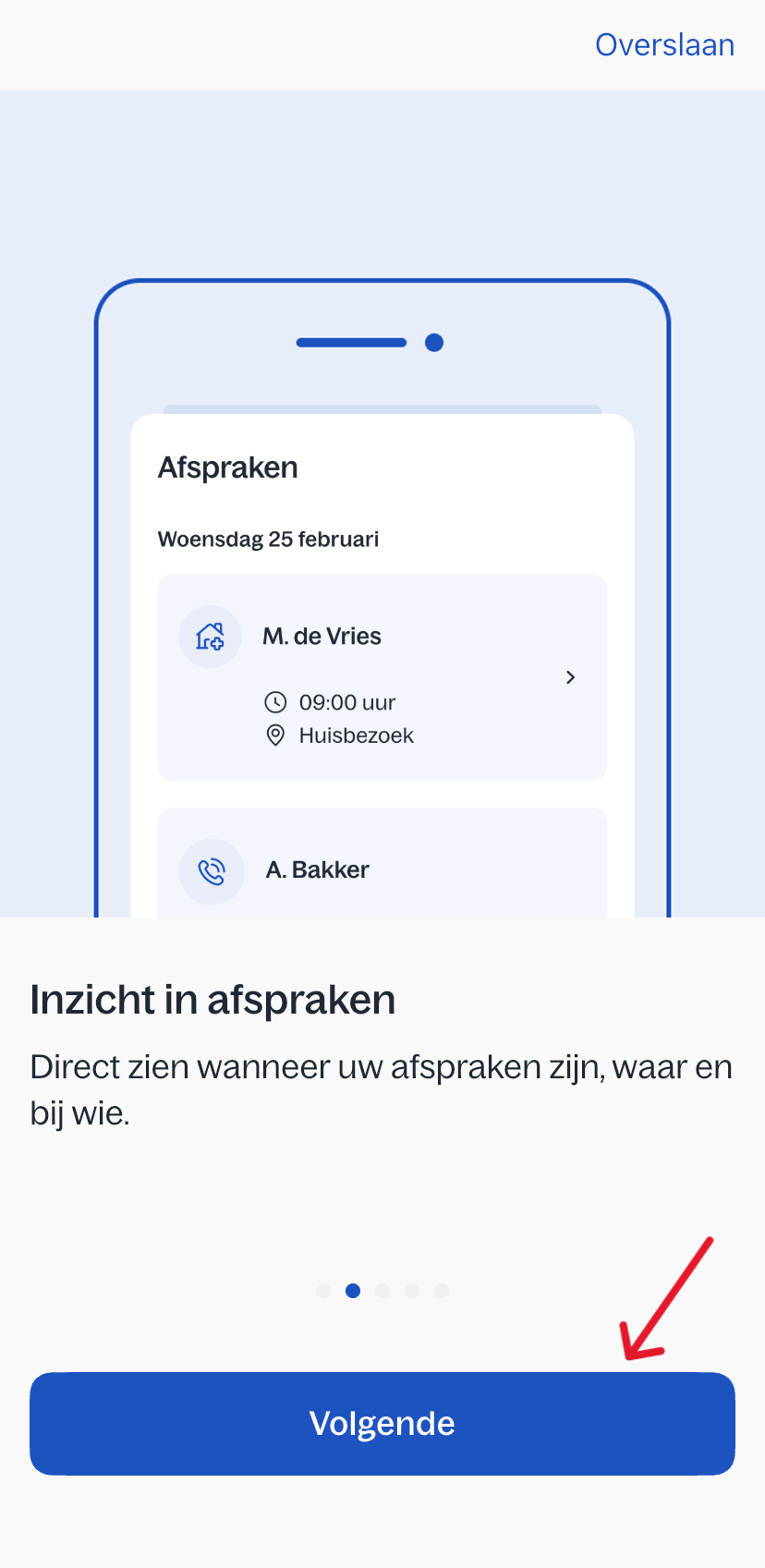
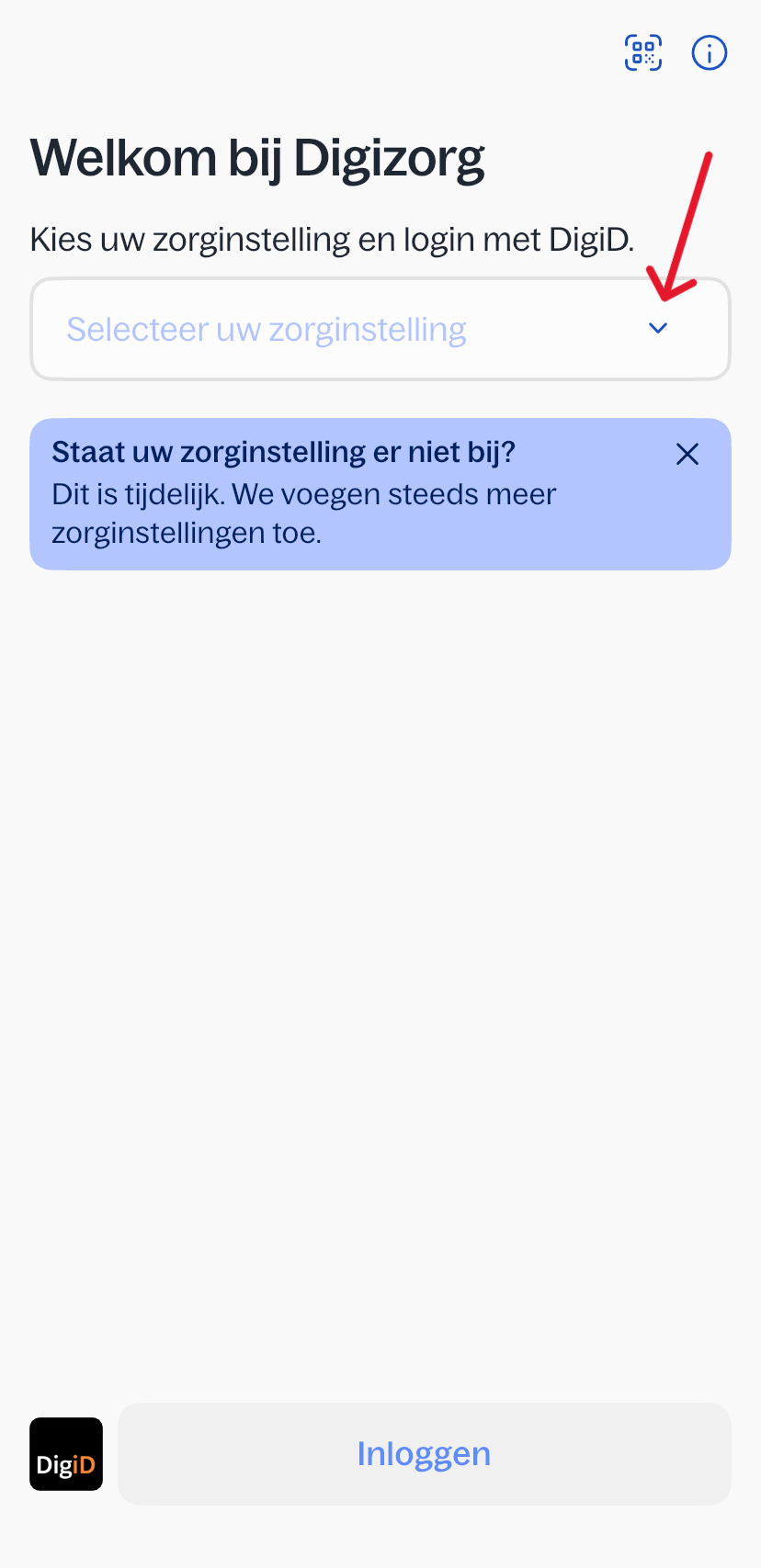
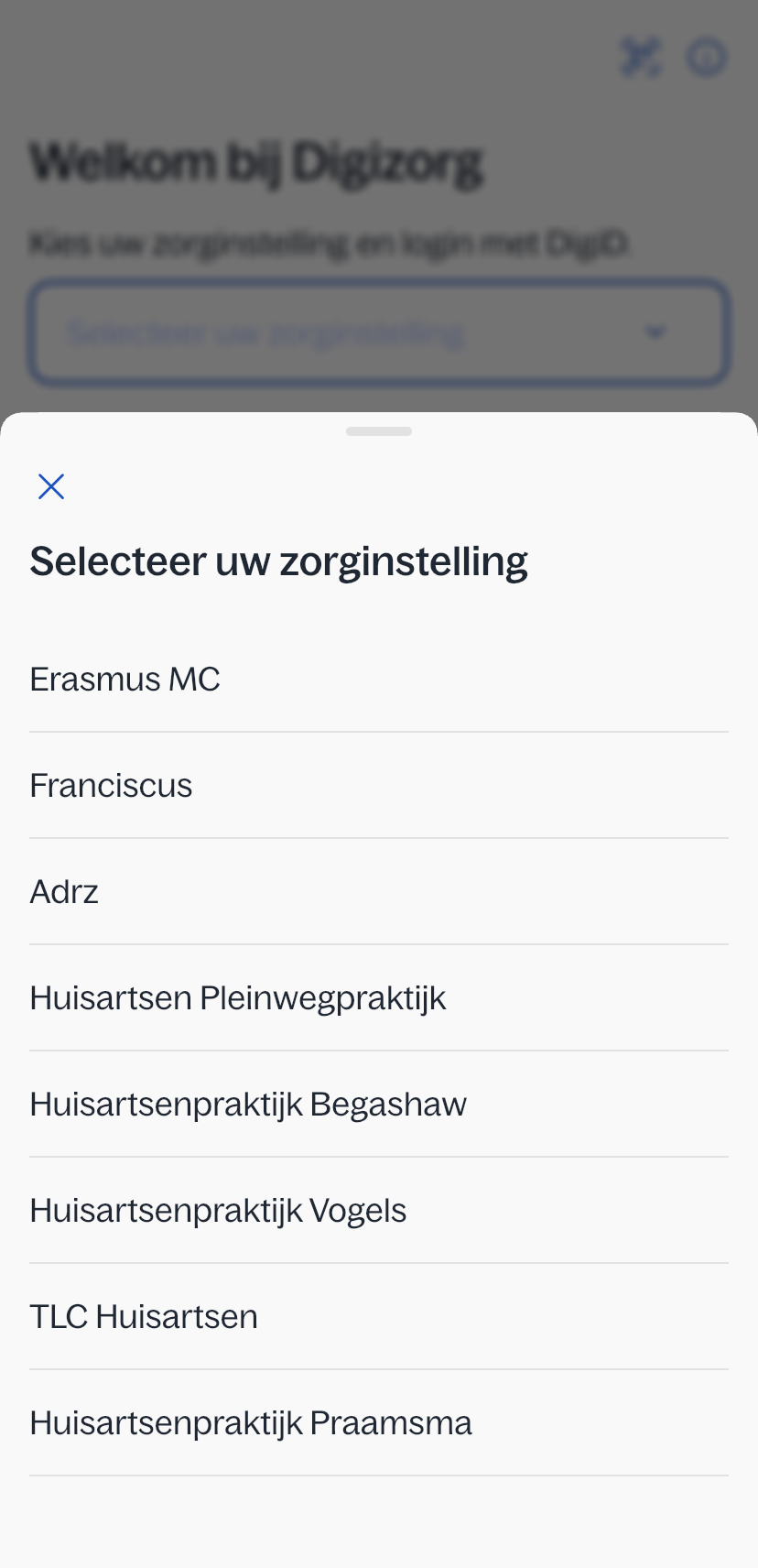
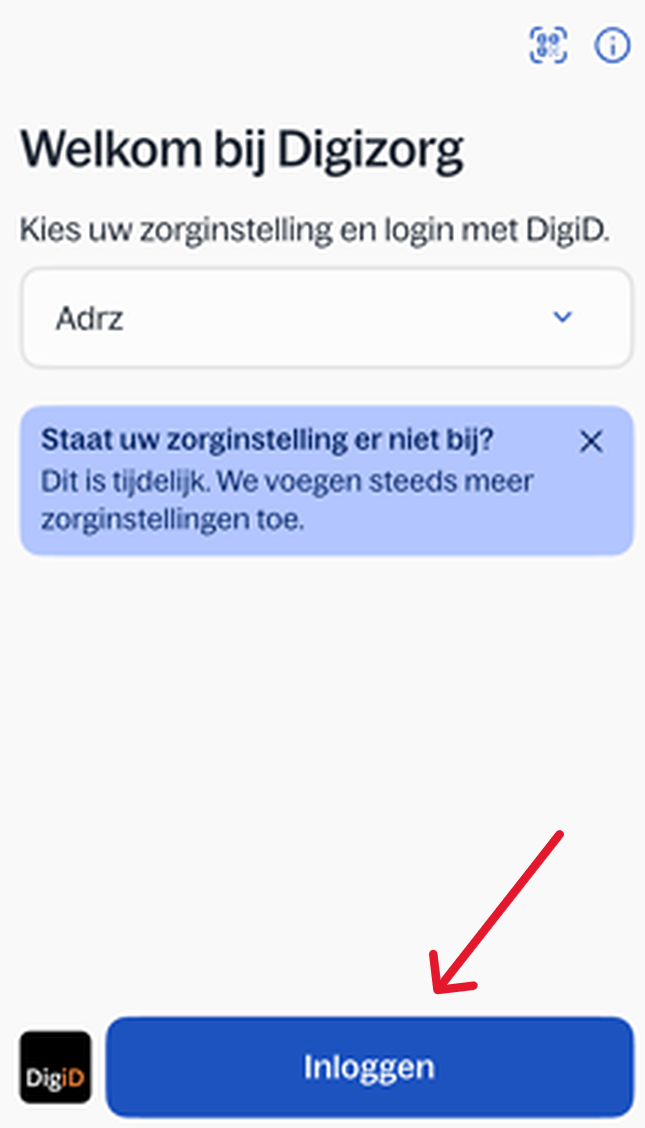
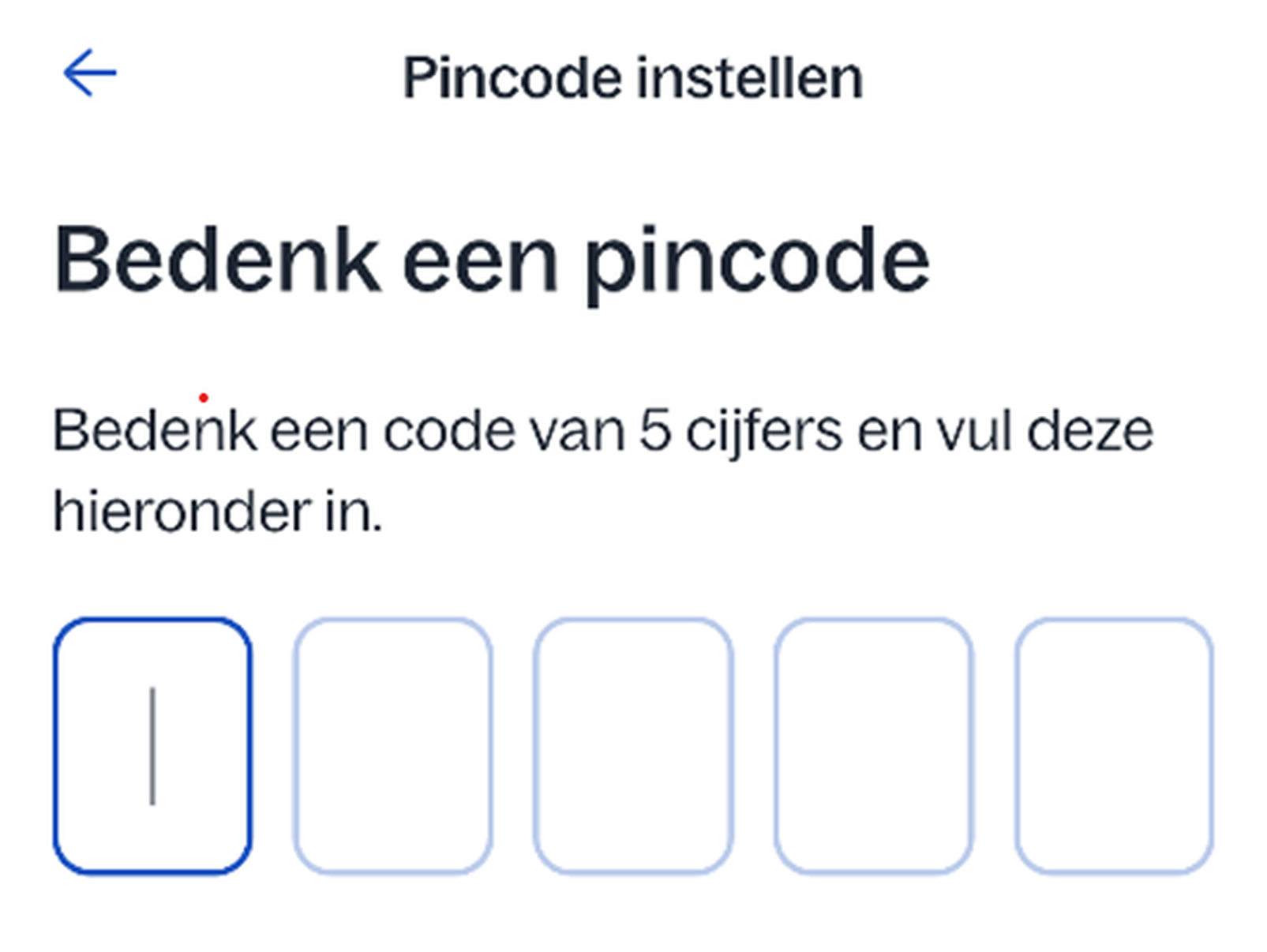
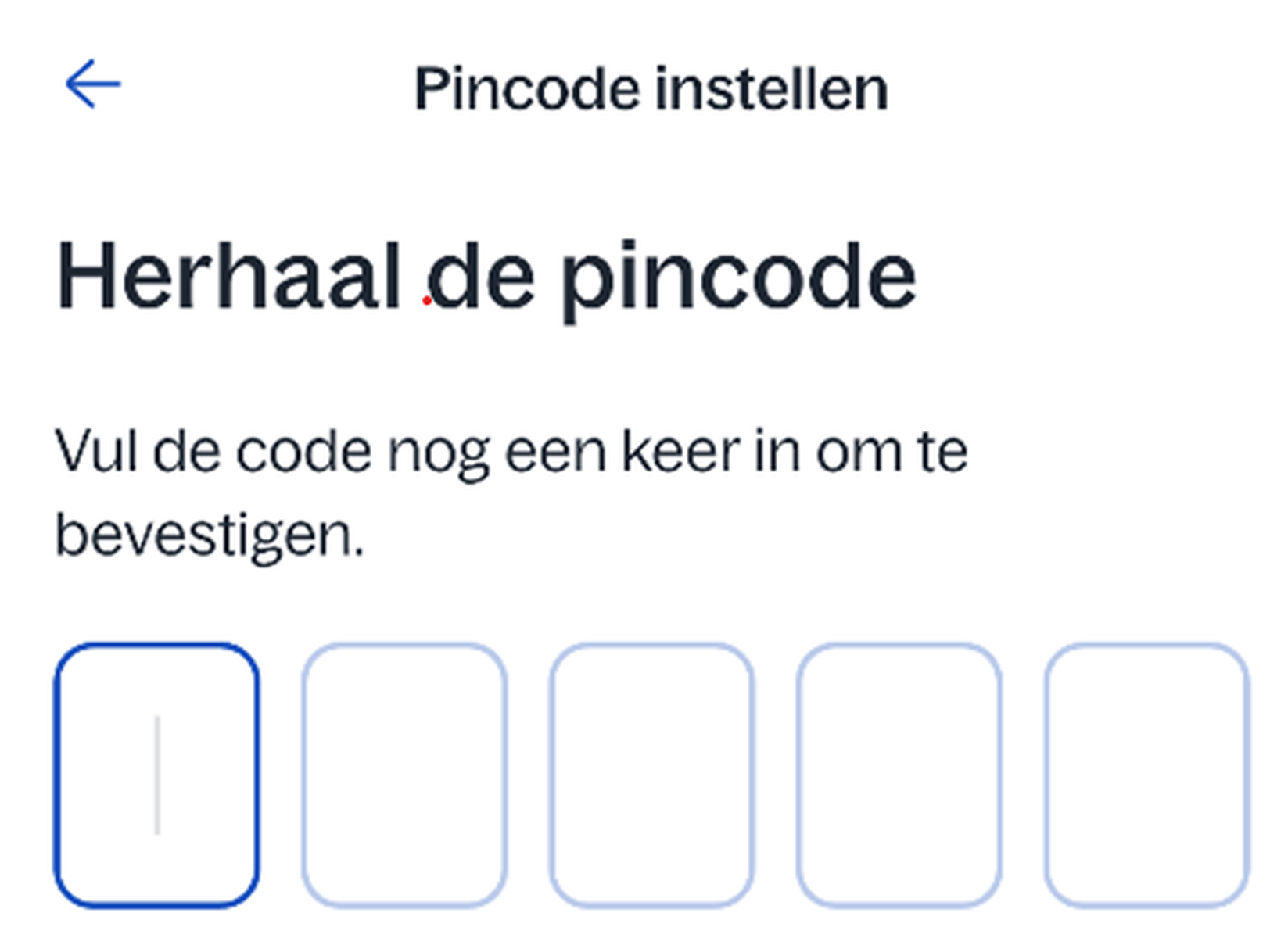
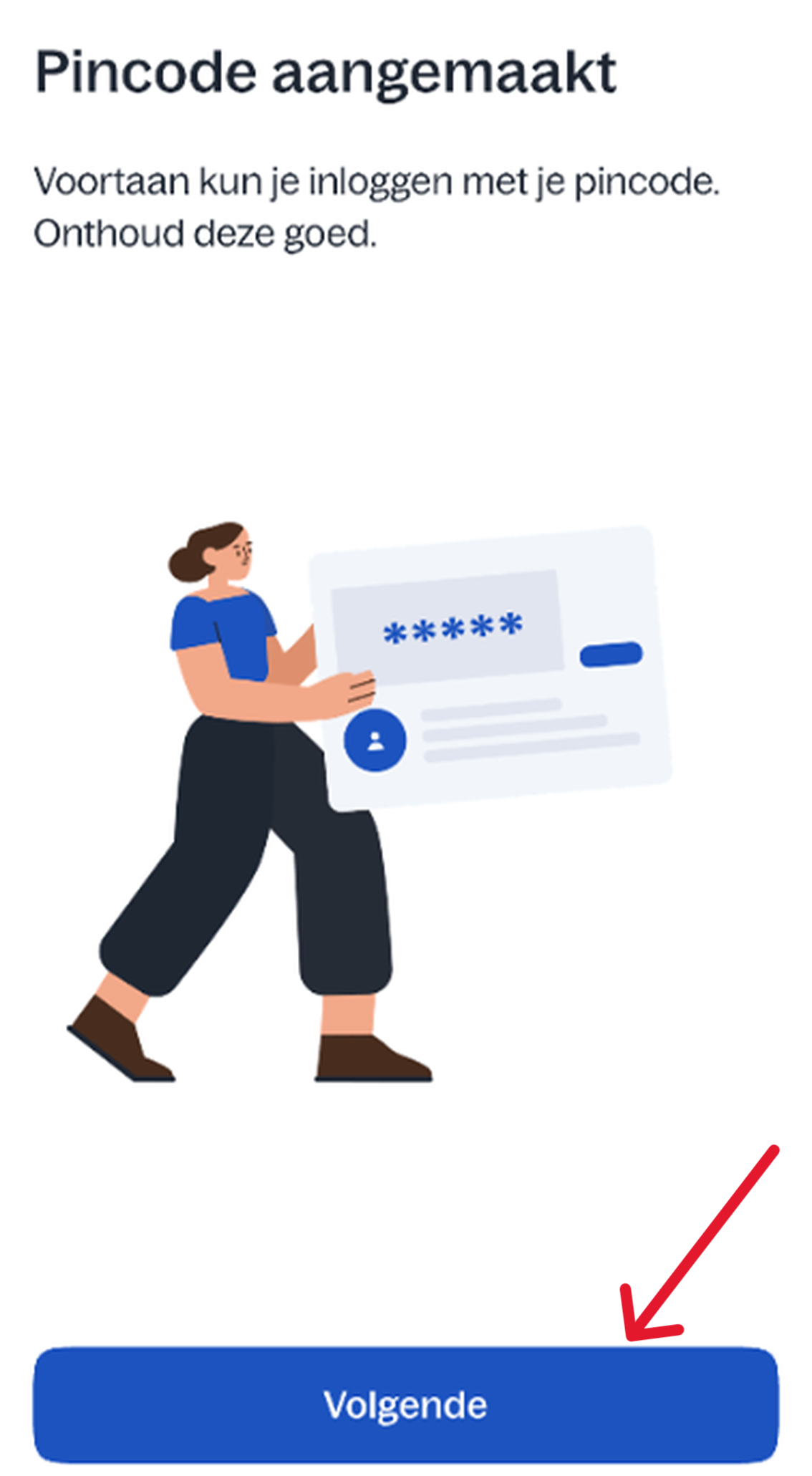
Home / Subjects / Digital care / How do I log in to the Digizorg app? How do I log in to the Digizorg app? Voorlezen Translate Printen Delen WhatsApp E-mail Steps in brief Download the Digizorg app. Open de app en kies uw zorgorganisatie. Log in met DigiD. Choose a PIN code. 1. Download the app Open the App Store or Google Play Store. Zoek op ‘Digital care‘'. Click on '‘Download‘' or '‘Install‘'. 2. Open the app. Click on '‘Open‘'. Vergroot U krijgt nu stap voor stap uitleg over de app. Klik op ‘Next‘ om verder te gaan. Vergroot 3. Uw zorginstelling kiezen click on het pijltje naast ‘Selecteer uw zorginstelling‘'. Vergroot Klik op uw zorginstelling. Vergroot Click on '‘login‘'. Vergroot 4. Choose how you want to log in With an SMS check With the DigiD app on your phone With your driver's license or identity card Click on an option to view the explanation. 5. Een pincode instellen Click on ´Pincode instellen´. Kies een pincode van 5 cijfers. Vergroot Vul opnieuw uw pincode in. Vergroot Click on ´Next´. Vergroot 6. You are logged in Lees de uitleg in de Digizorg app. Klik op ‘Volgende’ om door te gaan. Daarna is de app klaar voor gebruik. Were you unable to log in? Then please contact us. Frequently asked questions about Digizorg How do I view my appointment in the Digizorg app? How do I view medical letters in the Digizorg app? How do I view lab results in the Digizorg app? How do I view brochures in the Digizorg app? How do I view my PGO in the Digizorg app? How can I give someone access to the Digizorg app or view my child's file? How do I switch accounts in the Digizorg app?