You can try the following:
- Check the spelling
- Try another search

Log in to your My Radiotherapy Group.
Can't figure it out? You can find more information here: How can I log in to My Radiotherapy Group?
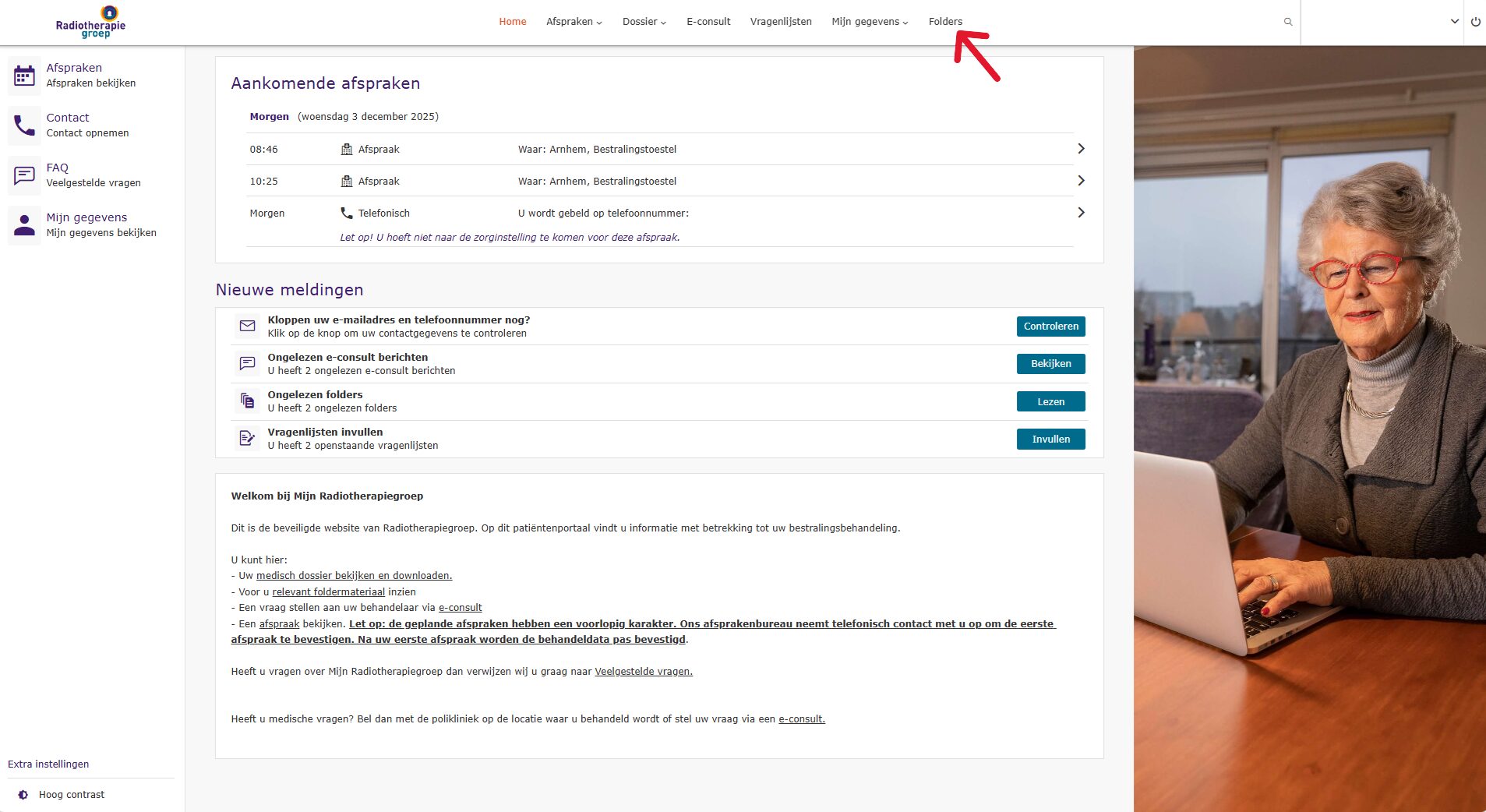
After logging in, you will arrive at the homepage.
Click here in the top right ‘Folders’.
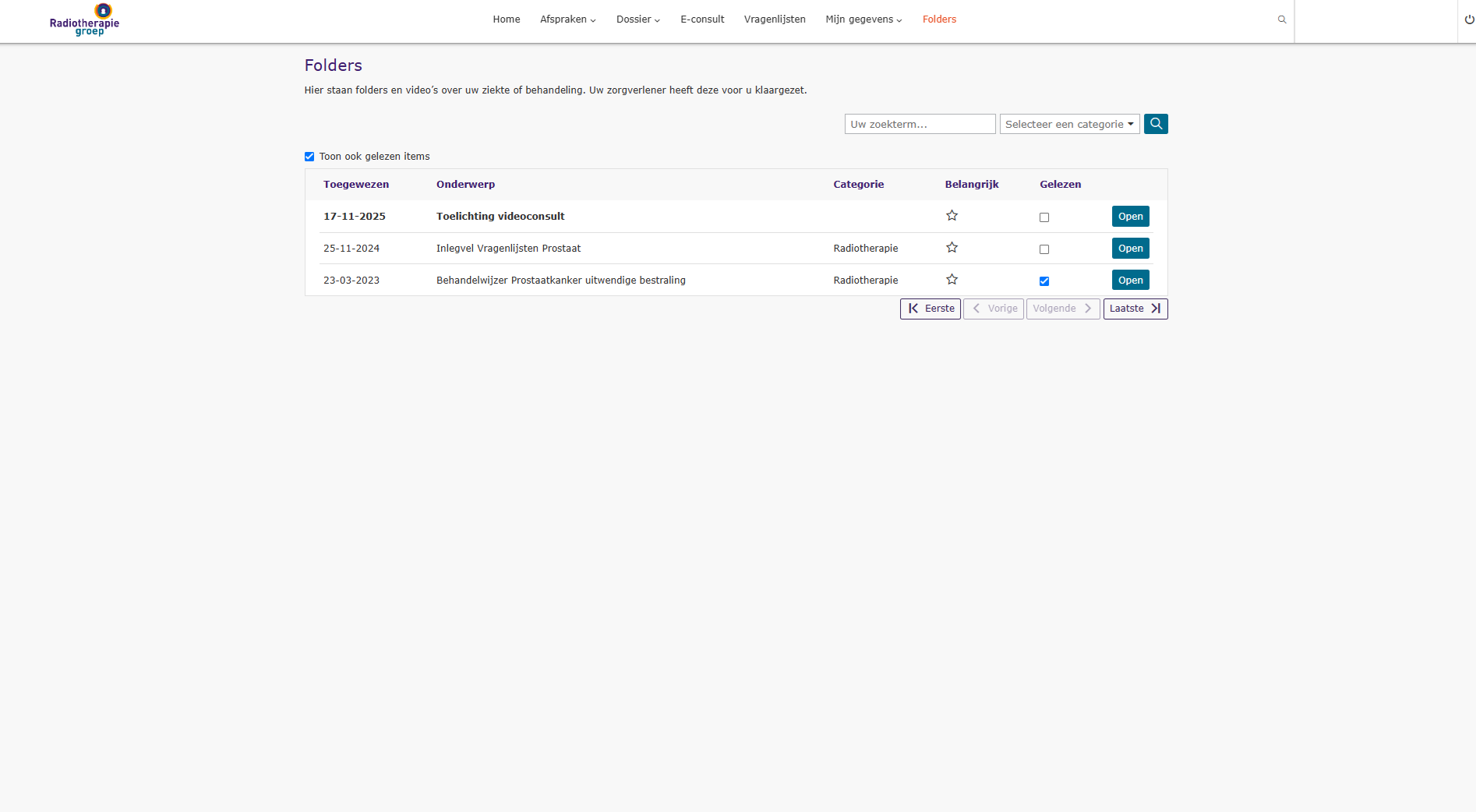
You are now on the page where all the brochures that have been prepared for you are located.
By clicking on a folder, you can browse through it on the screen; it is also possible to download the file.
The brochures remain available at all times, even after you have read them.
On the Radiotherapiegroep website, a brochure can be viewed per treatment under Types of cancer.
You can find this information here: Types of cancer – Radiotherapy group