You can try the following:
- Check the spelling
- Try another search

Open ZorgSaam Patient Portal ↗.
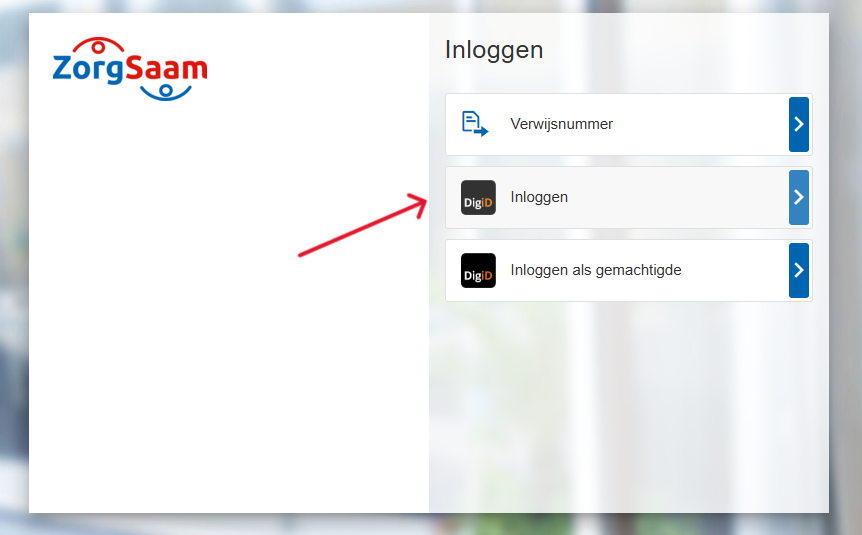
Click on 'login‘.
Log in with your reference number, DigiD, or DigiD Authorization.
You can log in with DigiD in various ways:
Click on the login method you would like to read more about.
You are now viewing the homepage of the ZorgSaam Patient Portal.
Having trouble logging in? Please contact us.