You can try the following:
- Check the spelling
- Try another search
You can only log in with the DigiD app on your computer if the app is already activated.
You can find more information in: How do I download and install the DigiD app on my computer?
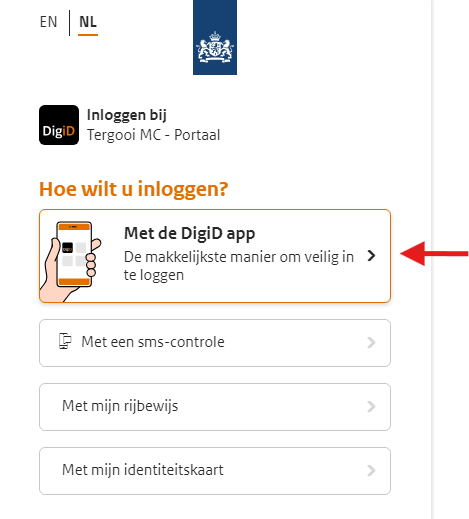
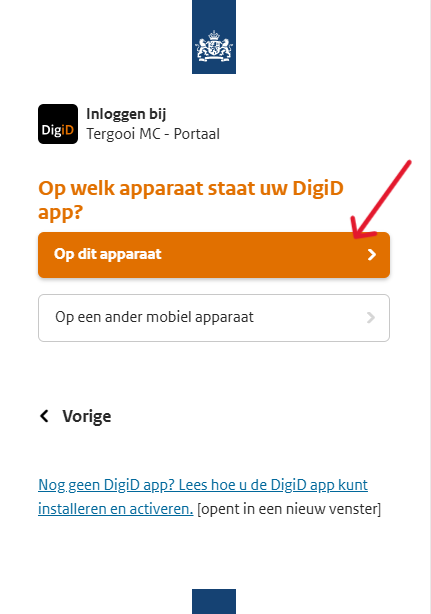
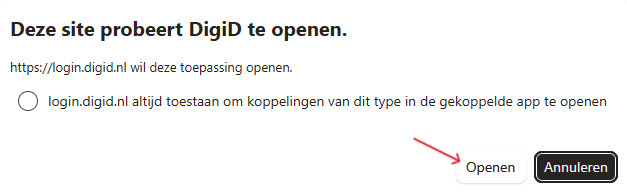
On the login screen, select the option '‘With the DigiD app'.
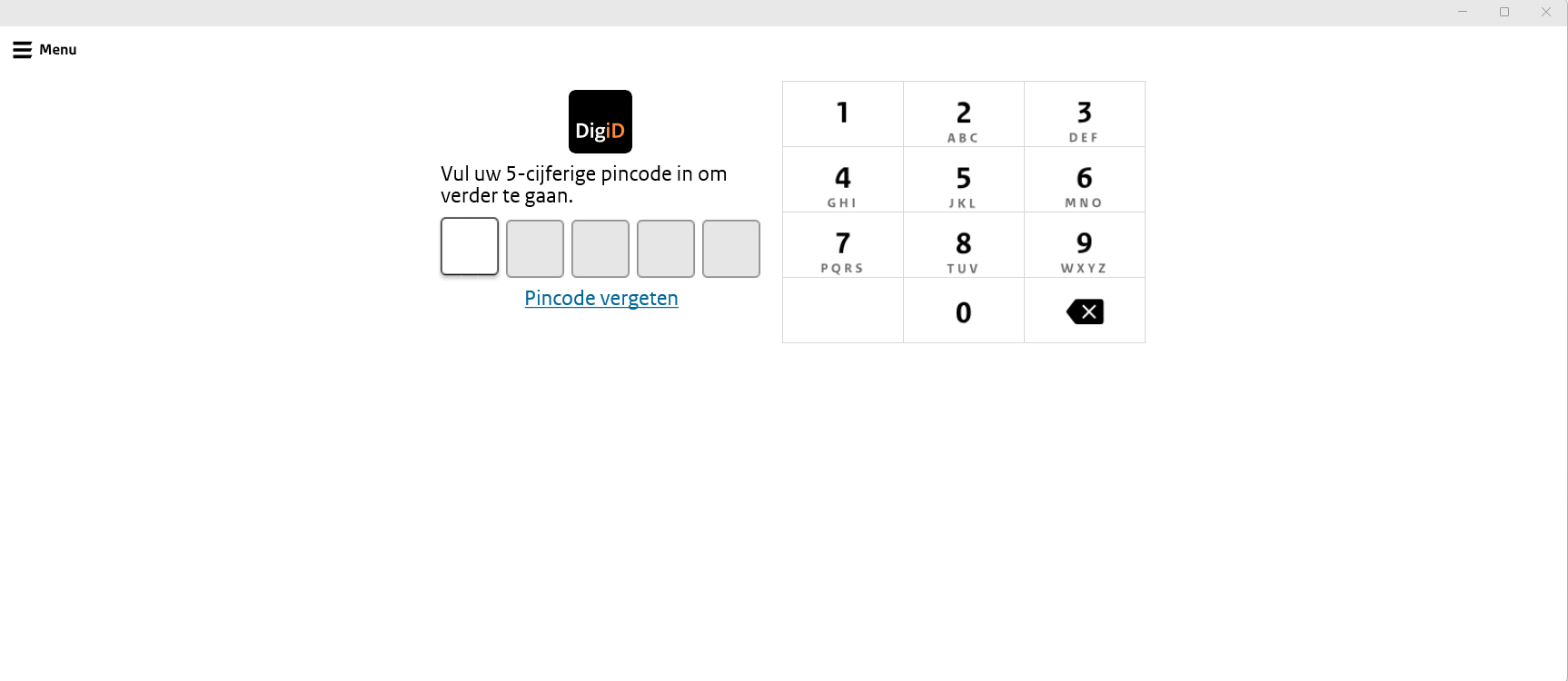
Enter your PIN code. You set this PIN code during the installation of the DigiD app.
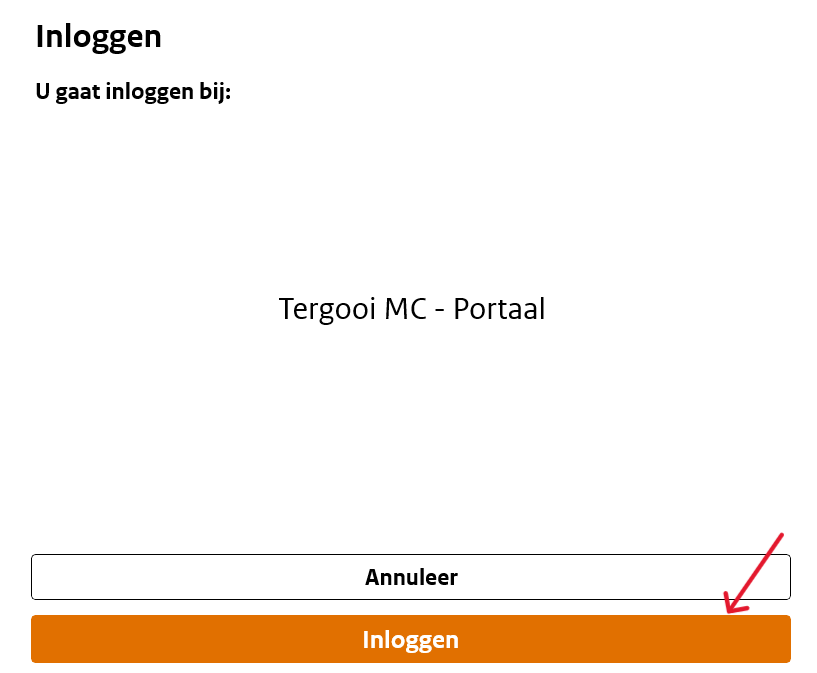
Click on '‘Log in’.
You are now logged in.
Were you unable to log in? Then please contact us.